A Better Weekly Team Meeting Agenda for SaaS Teams
 Published By: Alex
October 30, 2025
Published By: Alex
October 30, 2025
Look, a solid weekly team meeting agenda is more than just a list of things to talk about. It’s a battle plan. It lays out the topics, carves out the time, and assigns ownership to make sure the meeting actually does something. It’s what separates a time-sucking status report from a high-stakes strategic sync that builds real momentum.
Why Most Weekly Meetings Are a Waste of Time
We’ve all been there. That dreaded hour on the calendar where everyone goes around the room giving an update that could have been a Slack message. For a fast-moving SaaS company, this isn't just annoying—it’s a massive drag on operations and growth.
And it’s a bigger problem than you think. A 2024 study revealed that a staggering 65% of employees feel they waste time in meetings. Even worse, 55% of remote workers think most of their meetings could have been handled over email or chat. When your team feels like their time is being wasted, engagement and productivity just tank. It’s a silent killer of morale.
The Real Cost of a Bad Agenda
A sloppy agenda does more than just waste an hour. It sends ripples of inefficiency across the entire company. Conversations go off the rails, big decisions get kicked down the road, and everyone leaves wondering what, if anything, was accomplished.
The cost isn't just the hourly rate of everyone in that room. It's the lost momentum, the missed opportunities.
This directly hurts in a few key places:
- It Kills Sprints: Your product and engineering teams can't afford to lose precious build time to meetings that turn into rambling, unstructured debates.
- It Breeds Misalignment: How can sales and marketing coordinate a killer campaign when their weekly sync is just a series of disconnected updates? They can't.
- It Destroys Accountability: Without a clear structure to track progress and flag blockers, commitments fall through the cracks. Small issues fester until they blow up into five-alarm fires.
From Ineffective Status Update to High-Impact Sync
The best SaaS operators figured this out ages ago. The goal of a weekly meeting isn't to report on what you did. It's to solve what's holding you back from what you need to do next. A purpose-driven agenda is the tool that makes this happen.
Here's the exact playbook for transforming your weekly sync.
| Ineffective Agenda Trait | High-Impact Agenda Trait |
|---|---|
| Focuses on individual updates | Focuses on team goals and metrics |
| No clear purpose or desired outcome | Every item has a clear "why" |
| Unstructured and reactive | Timed, structured, and proactive |
| Lacks data and context | Driven by KPIs and scorecards |
| Encourages passive listening | Demands active problem-solving |
| Ends with no clear next steps | Ends with assigned action items |
Moving from the left column to the right is the single biggest upgrade you can make to your team's operational rhythm.
A great weekly team meeting agenda isn’t a laundry list of topics; it's a framework for making decisions. It forces everyone to focus on outcomes, not just updates. It turns a room full of passive listeners into a team of active problem-solvers.
This all starts with a shift in mindset. You have to intentionally build an agenda that prioritizes looking at the data, calling out the real roadblocks, and celebrating the wins. This is how you learn how to measure team productivity—by focusing the conversation on the things that actually move the needle.
Get this right, and you’ll turn the most dreaded hour of the week into the most valuable and energizing one.
Building Your High-Impact Agenda Template
It’s time to stop just winging it and start building a real operating system for your meetings. A generic outline from a blog post isn't going to cut it for a fast-moving SaaS team; you need a timed, modular agenda designed for the specific rhythm of your business. This isn't about listing topics—it's about creating a predictable structure that actually drives results, week after week.
Forget those aimless round-robin status updates where everyone just says what they did. The whole point here is to shift your meeting from a passive reporting session into an active problem-solving engine.
This visual nails the transformation: moving from a meeting that feels like a total drag to one that consistently delivers value for everyone.
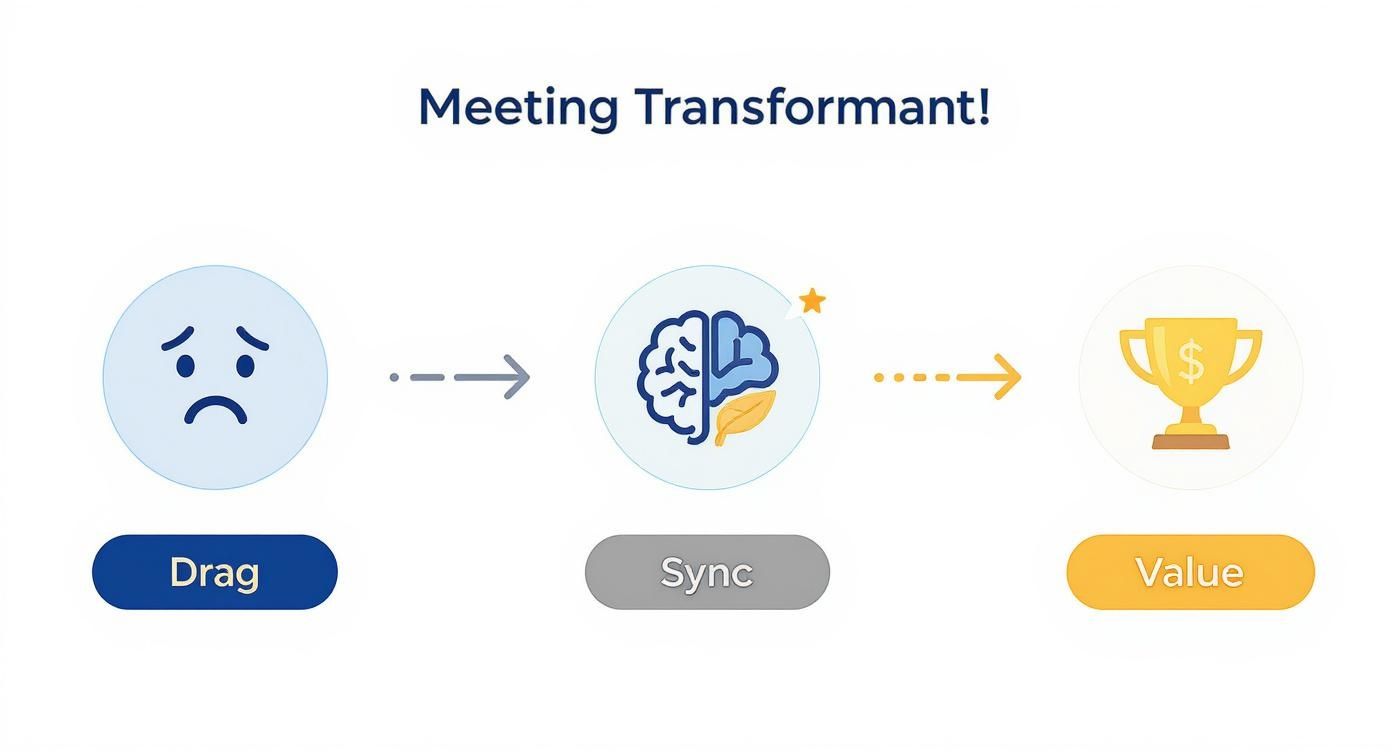
A well-designed agenda is the catalyst that takes your team from just "syncing up" to generating real, measurable outcomes.
The 45-Minute High-Impact SaaS Agenda
In scaling multiple SaaS businesses, I've found a 60-minute meeting invites filler, while a 30-minute one feels rushed. For most teams, the sweet spot is 45 minutes. It’s long enough for deep dives but short enough to force focus.
Here’s the battle-tested playbook I've implemented with engineering, marketing, and customer success teams. You can steal it today.
-
(5 Mins) Wins & Recognition: Start with positive momentum. A specific customer win, a major project milestone, or a shout-out to a team member who went above and beyond. This isn't fluff; it reinforces your culture and connects the daily grind to real-world impact.
-
(5 Mins) SaaS Scorecard Review: This is your data-driven reality check. Review 3-5 core KPIs. The owner of any red metric has 60 seconds to explain the "why" behind the number. The goal isn't to solve it here, but to flag it for the roadblocks discussion.
-
(20 Mins) Priorities & Roadblocks: This is the heart of the meeting. Each person responsible for a key priority briefly states their main focus for the week and—most importantly—flags any roadblocks where they need help. This isn't a status update; it's a collaborative problem-solving session.
-
(10 Mins) Customer Insights & Feedback: Keep your team tethered to your users. The team lead or product manager shares a key insight from a recent customer call, a support ticket, or a G2 review. The conversation is about one thing: "What does this mean for our product, marketing, or service?"
-
(5 Mins) Action Items & Commitments: End with crystal-clear clarity. The notetaker recaps every decision, assigning an owner and due date to each action item in real-time. No one leaves wondering what happens next.
Making the Template Your Own
This structure gives you a strong foundation, but its real power comes from making it your own. A marketing team might swap "Customer Insights" for "Campaign Performance," while an engineering team might focus on "Sprint Velocity" in their scorecard.
The key is that the core modules—Wins, Data, Problem-Solving, and Actions—remain intact.
Your weekly team meeting agenda should feel less like a rigid script and more like a flexible playbook. The structure is there to ensure you cover the essentials, but it should adapt to the team's most pressing needs each week.
If you're looking for a quick start, these simple meeting agenda templates for better meetings are great. They offer some solid, easy-to-implement structures that can bring more order to your syncs right away.
Documenting Your Agenda for Success
Once you have a template you like, it needs to be accessible and collaborative. A SaaS operator I advised was struggling with inconsistent meetings. The fix? They moved their agenda from a random Google Doc into Asana.
This turns the agenda from a static list into an interactive workspace where team members can add talking points ahead of time, link relevant documents, and track action items before, during, and after the meeting.
The final step is to make this official. Learning how to create standard operating procedures for your meeting rhythm turns a good habit into a repeatable, high-performance system that new hires can pick up from day one. It's a small step that builds a huge foundation for operational excellence.
Anchor Your Meeting with a SaaS Scorecard
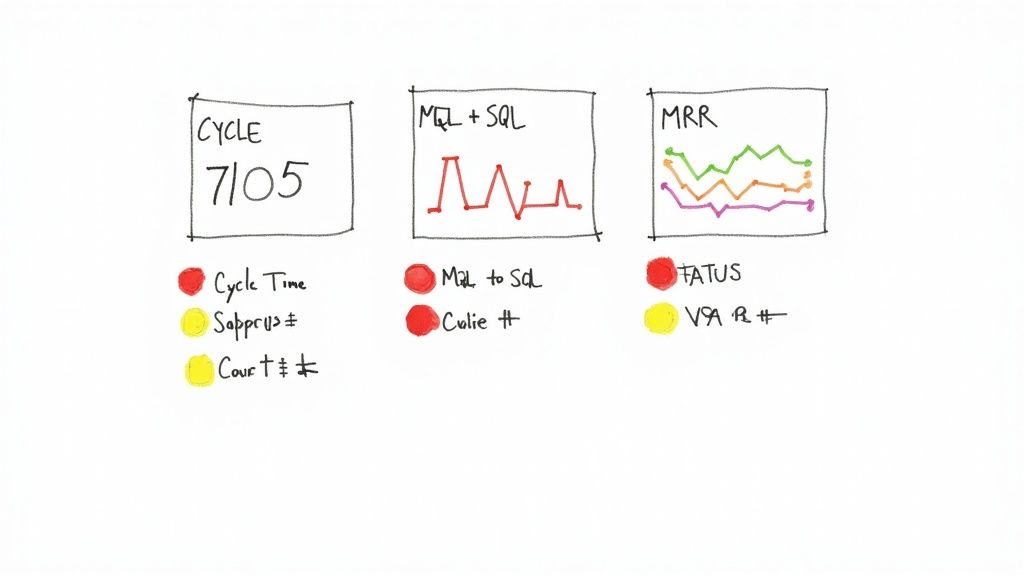
Let's be honest. A weekly meeting without data is just a group chat. If you want to transform your agenda from subjective "here's what I'm working on" updates into a sharp, operational review, you need a SaaS Scorecard. Think of it as your team's five-minute health check—a single source of truth that instantly tells you where to put your energy.
This isn't about drowning everyone in a sea of charts and graphs. It’s about being surgical. You pick the handful of mission-critical KPIs that actually define success for your team and make them the heartbeat of every weekly discussion.
Choosing the Right Metrics for Your Team
The KPIs that matter most are completely different from department to department. The key is picking metrics the team can directly influence week-to-week—metrics that act as leading indicators of future success. Company-wide vanity metrics are often way too high-level to be useful here.
Here's how top-performing SaaS teams I've worked with structure their scorecards:
-
Engineering Team: They track Cycle Time (idea to deployment) and Deployment Frequency. The secret sauce is a counter-metric like Change Failure Rate to ensure speed doesn't compromise quality.
-
Marketing Team: Their world is the funnel. They zero in on MQL to SQL Conversion Rate to check lead quality and Customer Acquisition Cost (CAC) to keep spending efficient.
-
Customer Success Team: It's all about retention. A great scorecard features Net Revenue Retention (NRR), the Product Adoption Rate for a new feature, and the Number of Escalated Support Tickets to spot fires early.
The proof is in the data. Weekly syncs are standard practice—about 71% of marketing teams use them. But when you ground these meetings in hard numbers, they become a tool for rapid adaptation. 43% of marketers say this data-driven structure improves cross-departmental collaboration, and nearly 29% of managers report it cuts down on redundant work.
Here’s a quick-start playbook for your own teams.
SaaS Team Scorecard Examples
| Team/Department | Primary KPI | Secondary KPI | Counter Metric |
|---|---|---|---|
| Marketing | MQLs Generated | MQL-to-SQL Conversion Rate | Customer Acquisition Cost (CAC) |
| Sales | New MRR Booked | Average Deal Size | Sales Cycle Length |
| Engineering | Cycle Time | Deployment Frequency | Change Failure Rate |
| Customer Success | Net Revenue Retention (NRR) | Product Adoption Rate | # of Escalated Tickets |
| Product | Feature Engagement Score | User Story Points Completed | # of Critical Bugs Reported |
These are battle-tested starting points. The best scorecards evolve as the team's focus shifts.
From Raw Data to Actionable Insights
Just having the numbers on a screen isn't enough; you need a dead-simple way to interpret them. This is where the "Red/Yellow/Green" status framework comes in. It turns your scorecard from a spreadsheet into an instant diagnostic tool.
The Red/Yellow/Green system isn’t about judging performance. It’s about triaging attention. It forces a conversation about the why behind the number, shifting the focus from just reporting data to actually solving problems.
Before each meeting, the owner of each metric is responsible for updating its status based on agreed-upon goals.
- Green: The metric is on track. Acknowledge it and ask, "What can we learn from this?"
- Yellow: The metric is trending wrong. It's a heads-up that needs monitoring.
- Red: The metric missed its goal. This automatically gets it on the agenda for the "Roadblocks" discussion. No ifs, ands, or buts.
This simple system, which you'll see built into data dashboards from companies like HubSpot, makes the first five minutes of your meeting insanely productive. You know immediately what’s on fire and what’s going well, so you can spend the rest of your time on the conversations that actually matter.
If you need a practical template to get started, check out our guide on building a scorecard format in Excel.
Running the Meeting and Driving Action
Look, a perfect agenda is just a piece of paper (or a doc) if the meeting itself falls flat. We've all seen a great agenda get derailed by tangents or awkward silences. That's where strong facilitation comes in. It’s the secret sauce that turns a good plan into real, tangible results.
This isn’t about being a drill sergeant; it's about making sure everyone's time is respected and the conversation actually leads somewhere. And it all starts with giving people jobs to do. A meeting without clear roles is just a group chat waiting to go off the rails.
Defining Your Non-Negotiable Roles
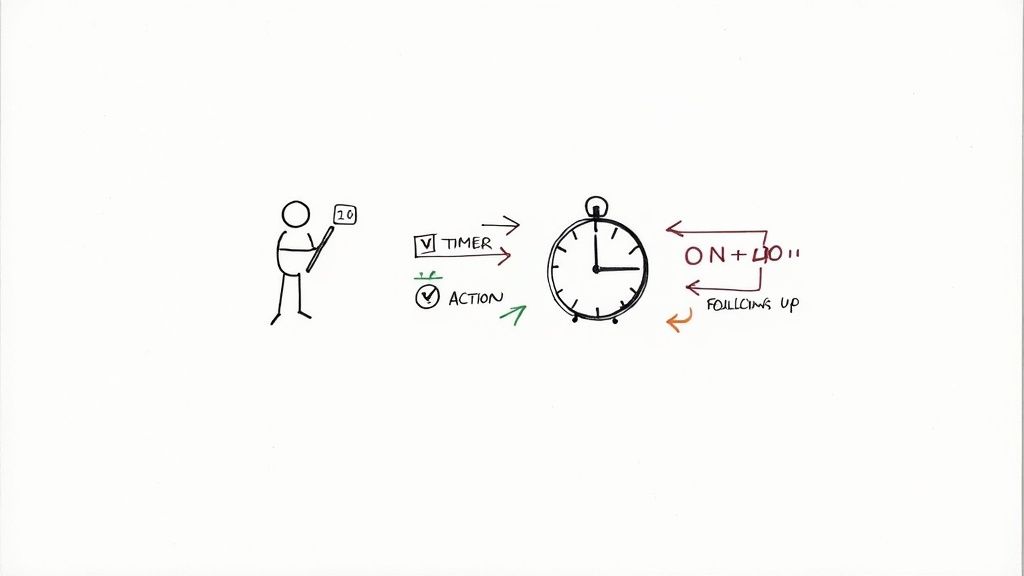
For any meeting that matters, you need two roles filled, no exceptions: the Facilitator and the Notetaker. These aren't just titles; they're active jobs that keep the whole thing from collapsing. Pro tip: rotate these roles weekly. It keeps people engaged and gives everyone a chance to lead.
-
The Facilitator: This person is the meeting's conductor. Their job is to stick to the agenda, watch the clock, and ensure equitable participation. They are the referee who keeps the conversation on track and calls out tangents. Their loyalty is to the agenda, not to any one person's pet topic.
-
The Notetaker: This isn’t about writing down every single word. The Notetaker’s real job is to capture commitments. They listen for decisions made, action items assigned, and the key takeaways. Their goal is to produce a crystal-clear record of who is doing what, and by when.
These two roles are the bedrock of a productive meeting. We dive even deeper into the nuances of leading these sessions in our guide on how to run effective meetings.
Keeping Conversations on Track
The biggest killer of a tight agenda? Rabbit holes. You know, those side conversations that are interesting to two people but a waste of time for the other six. The Facilitator's most important job is to shut these down politely but firmly.
The easiest way to do this is with the "Let's park that" rule.
When a conversation starts to drift or gets way too in-the-weeds for the whole group, the Facilitator must jump in.
"That's a really important point, but it feels like a deeper dive than we have time for right now. Let's 'park' it for now and make sure you and Sarah connect on it after the meeting. Sound good?"
This simple script is magic. It validates the person's comment, protects the timeline, and assigns ownership so the idea doesn't get lost. It's a game-changer for keeping the meeting's energy and focus high.
The One-Hour Follow-Up Rule
The momentum you build in a meeting vanishes fast. Every hour that passes without a follow-up makes decisions fuzzier and action items less likely to happen. This is why you need a non-negotiable one-hour follow-up rule.
Within 60 minutes of the meeting ending, the Notetaker sends out the summary. This isn't a novel; it's a sharp, scannable recap. If you want to see how this translates into actual work getting done, check out this guide on how to write meeting notes with action items that get things done.
Your follow-up—whether it's an email or a Slack message—should be brutally simple:
- Decisions Made: A few bullet points on what was agreed upon.
- Action Items: A clean list of tasks, each with an owner and a due date.
- Link to Notes: For anyone who wants the full context.
This quick turnaround creates a powerful accountability loop and gets people moving while the conversation is still fresh.
Automating Your Follow-Up Process
As you scale, manual tasks become bottlenecks. A FinTech company I worked with got tired of action items slipping through the cracks, so they automated their entire follow-up process. It was brilliant.
They used Zapier to connect their meeting notes in Notion to a specific Slack channel. Here’s the exact playbook:
- During the meeting, the Notetaker added a tag like
#ActionItemnext to any task in the Notion doc. - A Zap was set up to scan the doc for that tag right after the meeting ended.
- For every
#ActionItemit found, Zapier automatically posted a message in their#team-actionsSlack channel, tagging the owner and pulling in the due date.
This simple automation completely removed the chance of human error and saved the notetaker a ton of time. Better yet, it made accountability public, ensuring every single to-do from their weekly meeting was tracked from start to finish.
Avoiding Common SaaS Meeting Pitfalls
Even the most buttoned-up agenda can't save a meeting from going off the rails. We've all seen a tight, strategic sync quickly morph into a soul-crushing waste of time. Learning to sidestep these common traps is what separates high-performing SaaS teams from everyone else.
The context here is crucial. The shift to remote and hybrid work has changed the meeting game. Remote employees are often in 50% more meetings than their office-based counterparts. But here's the kicker: only about 30% of meetings are actually considered productive. That's a massive gap that a well-run, focused meeting can fix.
Escaping the Status Update Trap
This is, without a doubt, the number one meeting killer. The "Priorities & Roadblocks" agenda item devolves into a boring, round-robin report where everyone just lists what they did last week. This is a colossal misuse of everyone's time together.
The weekly meeting is for solving problems, not reading a group resume of last week's tasks.
Fixing this requires both a process change and a cultural shift. The rule has to be firm: all status updates move to an asynchronous channel before the meeting. This could be a dedicated Slack channel, a quick Loom video, or a shared doc. Make it non-negotiable.
As the meeting facilitator, you have to be ready to gently but firmly police this. When someone starts reciting their to-do list, jump in with a simple script:
"That's great progress, and thanks for sharing the details async. For our time together right now, what's the single biggest roadblock the team can help you solve this week?"
This little phrase is your secret weapon. It politely pivots the conversation from the past to the future, from reporting to problem-solving. Getting this right is a cornerstone of solid meeting management best practices.
Solving for the Unprepared Attendee
Nothing grinds a meeting to a halt faster than someone showing up completely cold. They haven't glanced at the scorecard, haven't read the pre-work, and maybe haven't even opened the agenda. Their lack of prep forces the entire team to hit the brakes and waste precious minutes getting them up to speed.
The solution is to set clear expectations with a simple pre-meeting checklist. Send it out with the agenda 24 hours in advance. It should be dead simple, something like:
- Review the Scorecard: Be ready to speak to any red or yellow metrics you own.
- Add Your Roadblocks: Drop your key obstacles into the shared agenda so we can tackle them.
- Scan the Pre-Work: Briefly review any linked docs or customer feedback.
This small step makes it clear that showing up isn't enough. You're expected to show up ready to contribute.
Breaking Through Decision Paralysis
So, your meeting did its job and surfaced a major roadblock. Everyone agrees it's a problem. And then… crickets. The conversation just circles, no one makes a clear decision, and the topic gets punted to next week's meeting. That's decision paralysis, and it's a silent killer of momentum.
To cut through it, you need a framework for making a choice and assigning ownership right then and there. When you feel the conversation stalling, the facilitator should step in and ask three direct questions:
- What is the exact decision we need to make right now? (Force clarity on the choice itself.)
- Who is the owner of this decision? (Assign it to a single person, never a committee.)
- What is the very next action, and who owns it? (Define the immediate, tangible next step.)
Forcing an answer to these three questions turns a fuzzy discussion into a concrete action plan. Now, a specific person is accountable for moving the ball forward, and you've prevented the issue from getting stuck in limbo for another week.
Your Weekly Meeting Questions Answered
Even with the best playbook, you're going to have questions once the rubber meets the road. I've been running these meetings for years, and the same handful of issues pop up time and time again. Let's get them sorted.
How Long Should This Meeting Actually Be?
Keep it between 45-60 minutes. That’s the sweet spot.
Anything less than 45 minutes and you’ll find yourself rushing through the important stuff—the actual problem-solving. Go over an hour, and you’ll watch focus evaporate as everyone starts thinking about the work piling up on their desks.
The best way to stick to the clock is to timebox every single agenda item. A tight, productive 45-minute huddle could look something like this:
- KPI Review: 5 minutes (Just the numbers, what's red?)
- Customer Insights: 10 minutes (What are we hearing from the front lines?)
- Priorities & Roadblocks: 20 minutes (This is the core of the meeting.)
- Action Items: 10 minutes (Who’s doing what, by when?)
If you're constantly running over, that’s your signal. Either you’re packing too much into the agenda, or conversations are wandering off-topic. It’s a problem you need to fix.
What's the Best Way to Run This with a Hybrid Team?
When you’ve got people in the office and people dialing in, a structured agenda isn't just nice to have—it's essential for keeping everyone on the same page. The whole goal is to make sure your remote folks feel just as present as the people in the room.
First, send out the agenda and any pre-reading materials a full 24 hours ahead of time. This gives people in different time zones a fair shot at coming prepared. And honestly, a "cameras on" rule is non-negotiable. So much communication is non-verbal, and seeing faces keeps people locked in.
In a hybrid meeting, the facilitator's most critical job is to be an active moderator. They need to intentionally draw out opinions from quieter folks on Zoom and prevent the people in the physical room from dominating the conversation.
Using tools like Miro for a shared whiteboard or a collaborative agenda app can also make a huge difference. It gives everyone a single space to interact, no matter where they are.
How Do We Stop This from Turning into a Boring Status Update?
Ah, the classic meeting killer. This is the most common trap teams fall into, but the fix is surprisingly straightforward. It comes down to two things: changing the process and empowering the facilitator.
First, kill status updates in the meeting by moving them somewhere else before the meeting. A dedicated Slack channel, a running Google Doc, a weekly update in your project management tool—any of these work.
Your agenda should send a clear message. I like to include a line right at the top: "This meeting is for solving problems, not sharing status."
Second, the facilitator has to be comfortable cutting people off—politely, of course. When someone starts rambling about what they did last week, the facilitator needs to jump in. A simple, "Thanks, that's great context. What's the one roadblock the team can help you with right now?" works wonders. It instantly pivots the focus from reporting to problem-solving.
Who Should Actually Be in This Meeting?
If you can't feed everyone in the room with two large pizzas, you've invited too many people. Seriously. Amazon's "Two-Pizza Rule" is famous for a reason—it works.
Inviting too many people is the number one cause of slow, painful meetings. Every extra person adds communication overhead and costs the company real money in lost focus time.
Only invite the people who are absolutely essential for the topics at hand. For a marketing sync, that's your core marketing team and their lead. Fight the urge to invite a manager from sales "just as an FYI." They can read the summary later. A smaller, focused group will always get more done, faster.
At SaaS Operations, we provide the proven playbooks, templates, and SOPs to help you run a more efficient and effective business. Our frameworks are battle-tested by operators who have scaled multiple 8-figure SaaS companies. Save time and accelerate your growth with our resources at https://saasoperations.com.
Article created using Outrank