
Let’s be honest, “workflow automation” gets thrown around a lot. It sounds like another piece of tech jargon, but in reality, it’s a practical way to run your business better. At its core, workflow automation software connects your different apps and moves data between them automatically, taking care of the repetitive, rule-based tasks that eat up your team’s day.
This isn’t about replacing your people. It’s about getting the boring, manual work off their plates so they can focus on what really matters: strategy, creativity, and growth.
Why Workflow Automation Is Way More Than a Buzzword

Think about your client onboarding process for a second. When a new customer signs up, what happens? Someone probably has to manually send a welcome email, create a new project in your project management tool, and then poke the finance team to send the first invoice. Each step is an opportunity for something to fall through the cracks.
Now, imagine this instead: a new customer signs up, and all of that happens instantly, without anyone lifting a finger. That’s the real power of SaaS automation in action. It’s a simple, practical shift that saves a ton of time and makes sure nothing gets missed.
The Real-World Impact on Your Operations
The benefits go much deeper than just saving a few hours. When you automate a process, you’re building consistency and accuracy directly into your operations. We’ve all seen how a misplaced decimal on a report or a forgotten follow-up with a hot lead can cause major headaches. Automation virtually eliminates those kinds of human errors.
This newfound reliability sends positive ripples throughout the entire company.
- You cut down on costs. Less time spent on manual data entry and busywork means lower operational expenses. It’s that simple.
- Your business becomes more agile. Automated systems can handle a sudden spike in new sign-ups or a quiet period with the same efficiency, letting you scale without the growing pains.
- Team morale gets a serious boost. Nobody enjoys mind-numbing, repetitive tasks. By automating them, you free your team to work on more interesting, fulfilling projects that prevent burnout.
The whole point is to build a smarter, more efficient operating system for your business. When the foundational processes run on their own, your team can finally dedicate their talent to innovation, building customer relationships, and strategic planning—the stuff that actually sets you apart from the competition.
Before you dive in, it helps to see where automation can make the biggest difference. I’ve put together a quick table outlining some of the most common and high-impact areas where SaaS companies find success with automation.
Key Business Areas Transformed by Automation
| Department | High-Impact Automation Examples | Primary Benefit |
|---|---|---|
| Sales | – Lead nurturing sequences – Auto-updating CRM records – Sending follow-up emails | Increased lead conversion and sales team productivity. |
| Marketing | – Social media post scheduling – Email campaign triggers – Segmenting new subscribers | Consistent brand presence and personalized communication. |
| Customer Support | – Ticket routing and assignment – Automated satisfaction surveys – Canned responses for common questions | Faster response times and improved customer satisfaction. |
| Finance & Ops | – Invoice generation and reminders – Employee onboarding/offboarding – Expense report approvals | Reduced errors, improved cash flow, and operational consistency. |
As you can see, automation isn’t just a tool for one department; it’s a strategy that can improve efficiency across your entire organization. Starting with just one of these areas can create a significant positive impact.
A Market Driven by Pure Efficiency
This isn’t just a trend I’m seeing with my clients; the market data backs it up. The global workflow automation market is exploding as more businesses realize they need to work smarter. Projections show the market growing from around $29.9 billion in 2025 to a massive $87.7 billion by 2032.
What’s driving this? A relentless demand for higher productivity and fewer costly mistakes. This growth makes one thing crystal clear: adopting automation is no longer a “nice-to-have.” It’s a core part of any modern, competitive business strategy.
Finding Your Best Automation Opportunities
Before you even think about signing up for a workflow automation SaaS platform, you need a game plan. The idea isn’t to boil the ocean and automate everything overnight. Instead, you want to pinpoint the high-impact, low-effort wins that give you a quick return and get your team excited about what’s possible.
Honestly, the best opportunities are usually hiding in plain sight. They’re the repetitive, mind-numbing tasks that your team dreads. I’m talking about the endless copy-pasting between a spreadsheet and your CRM, sending the same follow-up emails for the tenth time, or manually pulling data for weekly reports. These are your low-hanging fruit.
Start by Talking to Your Team
The fastest way to find these pain points is to get out from behind your desk and talk to the people actually doing the work. Don’t just send out a generic survey. Have real conversations with folks in sales, marketing, HR, and support.
Ask them a simple, direct question: “What’s the most annoying, repetitive part of your week?”
You’ll be amazed at the patterns that emerge. The sales team might be fed up with manually logging every call in the CRM. HR is likely buried in a clunky, multi-step process for onboarding new employees. Marketing could be spending hours every week manually segmenting new leads. Every single one of these complaints is a golden ticket for automation.
A critical mistake I see all the time is trying to automate a broken process. If a workflow is confusing or inefficient when done by a human, automating it just means you’ll make the same mistakes, only faster. Always simplify and document the process first, then layer in the automation.
For instance, think about new hire onboarding. Before automating anything, map out the entire flow on a whiteboard. Who sends the welcome email? Who sets up their software accounts? Who schedules their first-week orientation? Visualizing it helps you spot the bottlenecks and redundant steps you can eliminate before you even touch an automation tool.
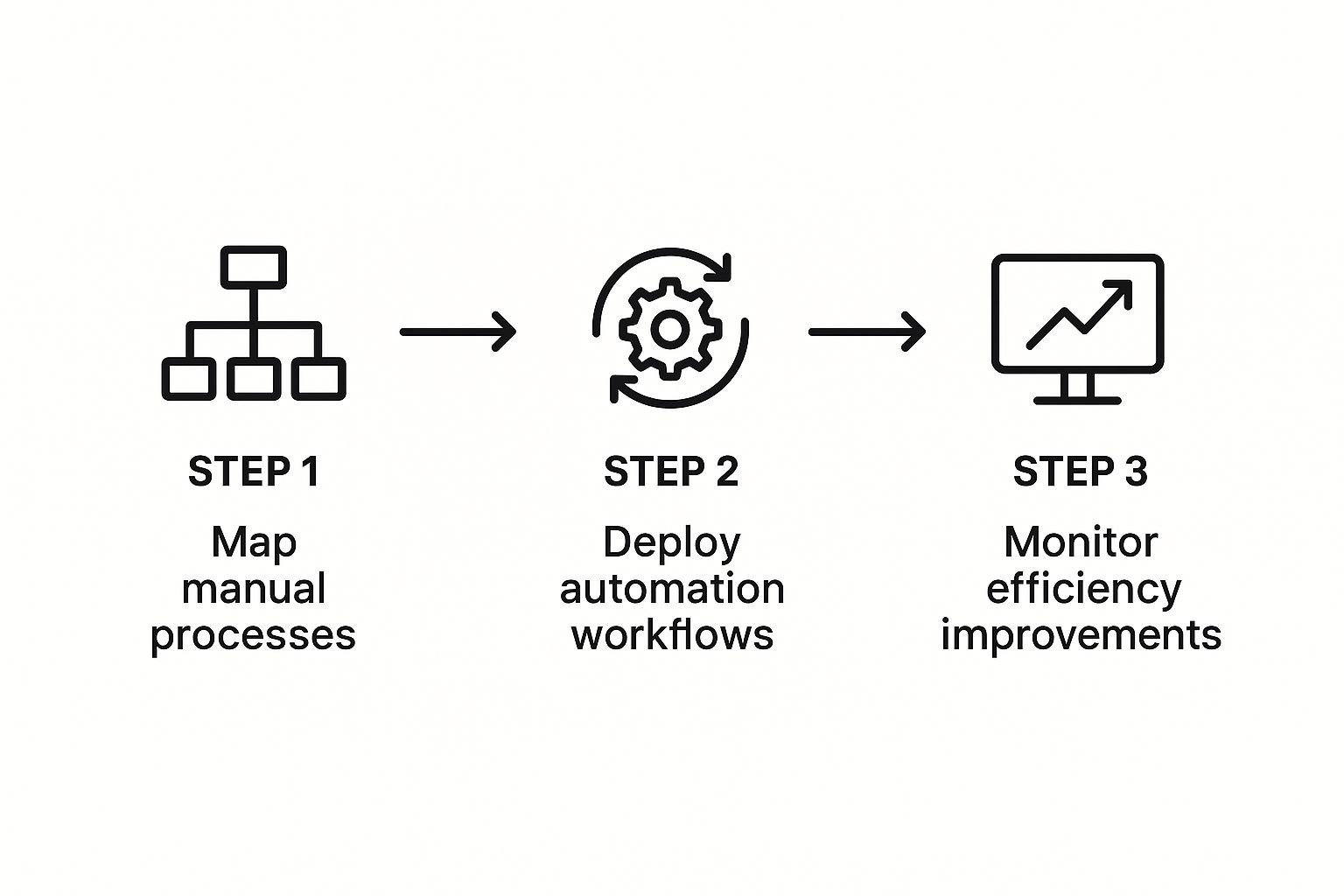
This approach ensures your automation actually makes the process better, not just faster.
Prioritize Your Automation Roadmap
Once you’ve got a list of potential projects, you need to figure out where to start. Not all automations deliver the same value. You’re looking for that sweet spot: tasks that eat up a lot of time but are technically simple to automate.
Use this quick framework to score each potential project:
- Time Savings: How many hours per week would this save? (High, Medium, Low)
- Frequency: How often does this task happen? (Daily, Weekly, Monthly)
- Complexity: How hard will this be to build? (Easy, Moderate, Hard)
The tasks that rank high on time savings and frequency but low on complexity are your home runs. Go after those first. A perfect example is setting up an automated email sequence for new leads—it’s often a straightforward project that delivers immediate, measurable value. We have some proven playbooks for this in our guide to SaaS marketing automation.
By creating a prioritized roadmap, you turn a vague goal like “we should automate more” into a concrete action plan. It gives you a clear starting point and a logical sequence for rolling out a workflow automation SaaS across your business.
How to Pick the Right Automation Platform for Your SaaS
Alright, you’ve mapped out what you want to automate. Now comes the tricky part: choosing the right workflow automation SaaS to actually do the work. The market is flooded with options, and every single one claims to be the magic bullet for your business.
Let me be direct: picking the wrong tool is a recipe for disaster. It leads to wasted money, a ton of frustration, and a system you’ll abandon in six months.
The secret is to ignore the flashy feature lists and focus on what your business truly needs. Don’t let the tool dictate your process; find a tool that fits into your world. It really boils down to three things: Does it connect to my other apps? Can my team actually use it? And will it still work for me a year from now?
Start with Your Existing Tech Stack
An automation platform is useless if it can’t communicate with the software you already use every day. So, before you even think about pricing, grab a pen and paper (or open a doc) and list out the absolute must-have tools your business relies on.
I’m talking about your CRM, your email marketing software, your project management board—the systems that are the lifeblood of your operations.
Your number one priority is finding a platform that offers native integrations for these tools. Native integrations are pre-built connectors that are reliable and incredibly easy to set up. Trying to stitch things together with custom code or third-party workarounds is a headache you don’t need.
If a platform doesn’t play nice with the core apps you use daily, just walk away. You’ll spend more time fixing broken connections than you’ll ever save from the automation itself. Trust me on this.
For instance, if your sales team lives and breathes in Salesforce and your support crew manages everything in Zendesk, your automation tool must have rock-solid, official integrations for both. This is non-negotiable for data to flow cleanly between departments without you having to manually intervene.
Comparing Workflow Automation Tool Categories
Not all automation tools are built the same. They generally fall into a few categories, and understanding the difference will help you cut through the noise and zero in on what’s right for you.
To make it easier, here’s a high-level comparison to help you figure out which type of tool fits your current needs and budget.
| Tool Category | Best For | Example Use Case | Typical Pricing Model |
|---|---|---|---|
| Simple Connectors | Basic, A-to-B tasks connecting two or three popular apps. | When a new lead is added to a Google Sheet, automatically create a contact in Mailchimp. | Per task or per user, often with a generous free tier. |
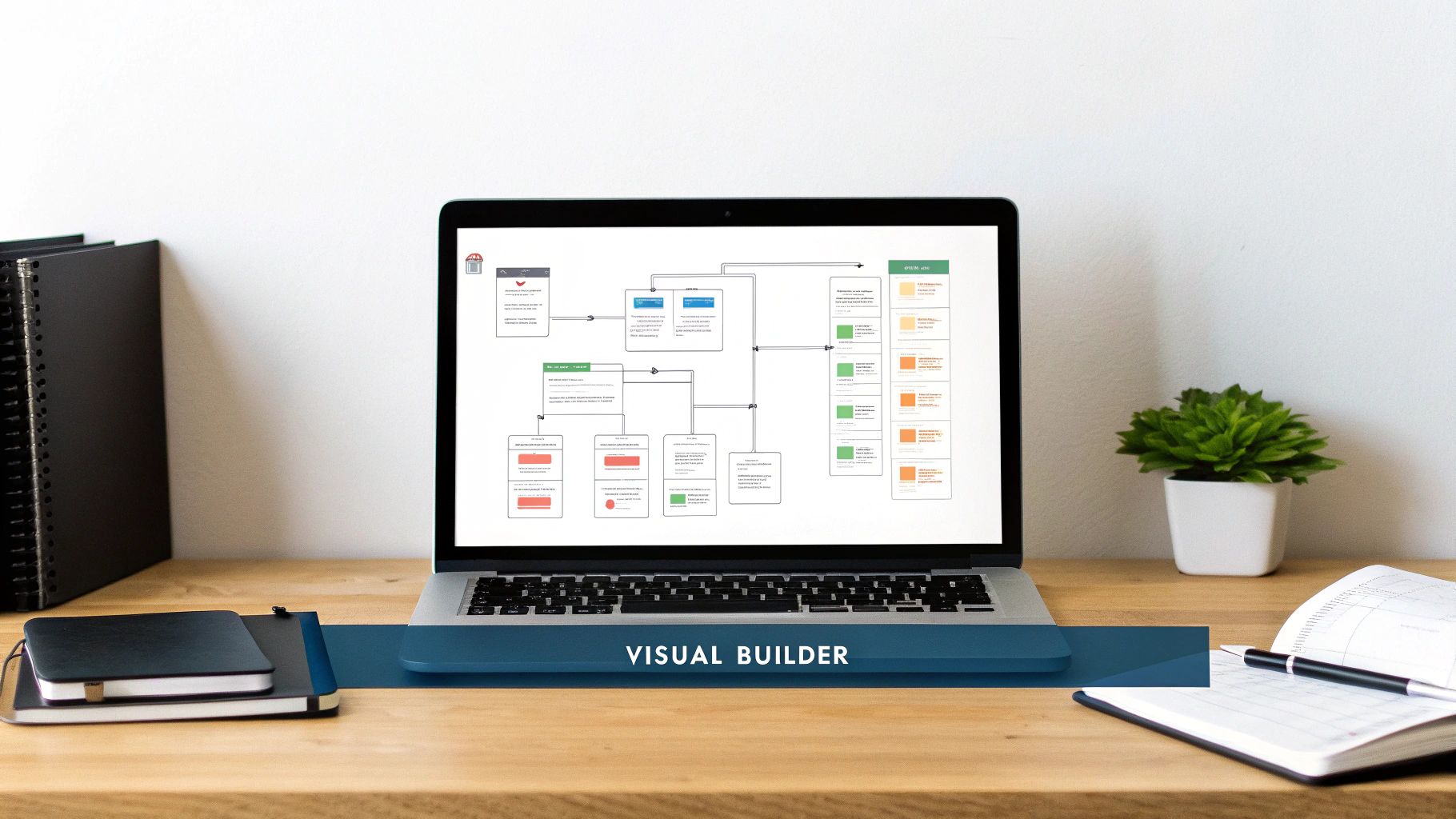
| Visual Workflow Builders | Multi-step processes with conditional logic (if/then rules). | If a new lead’s company size is >100, assign it to a senior sales rep in the CRM and send a Slack alert. | Tiered plans based on the number of active workflows and task volume. |
| Enterprise Platforms | Complex, company-wide operations involving custom databases, APIs, and IT process management. | Orchestrating a full client onboarding process across finance, project management, and IT systems. | Custom enterprise pricing, often with implementation fees. |
Simple connectors like IFTTT are great for getting started, while visual builders like Zapier or Make offer more power for growing businesses. Enterprise-level platforms are for when your operations become incredibly complex and span the entire organization.
Don’t Forget About Support and Future Growth
Here’s something people often miss until it’s too late: customer support. When a critical automation breaks at a bad time (and it will), you need help, and you need it fast. Check out user reviews and look for platforms known for responsive support and a library of clear, helpful documentation.
Also, think ahead. Your automation needs today won’t be your needs a year from now. As your business grows, your workflows will get more sophisticated. Research shows that the service side of the industry—including professional training and custom development—is booming, which tells you that automation projects get bigger over time. You can dig deeper into these workflow automation market trends yourself.
Choose a platform that can handle what you need now, but also has the power and flexibility to grow with you. Don’t box yourself in.
Building Your First Automation Workflows
Alright, this is where the fun starts. You’ve done the groundwork—pinpointing the tedious tasks and picking your automation tool. Now it’s time to build your first workflows.
My advice? Start small. Get a quick, satisfying win under your belt. That early success is what builds the momentum you need to tackle bigger projects down the road.
We’ll start with two areas that are universal pain points for almost every SaaS company: IT operations and sales. Automating even a small piece of these functions delivers immediate, visible results you can show off to your team and leadership.
Automating IT Operations Playbooks
IT and operations are a perfect place to begin your automation journey. There’s a reason this area commands a massive 39.4% market share in the workflow automation space. Companies are pouring resources into automating tasks like incident management and, as we’ll see here, user provisioning. Let’s build a simple but incredibly effective workflow.
Playbook 1: Automated User Access Management
When a new person joins your team, getting them the right software access is often a messy, manual scramble. An automated workflow flips that script, ensuring every new hire is ready to go on day one without IT having to lift a finger.
Here’s how it works:
- The Trigger: A new employee is marked as “Hired” in your HR system, like BambooHR or Workday.
- First Action: The system instantly creates user accounts for them in essential apps like Google Workspace, Slack, and Jira.
- The Logic: This is where it gets smart. Use a simple condition to assign access based on their role. If
Department = "Sales", the workflow automatically adds them to the #sales Slack channel and provisions access to your CRM. - Final Action: A notification is sent to the new hire’s manager via Slack, confirming that their accounts are set up and ready.
This single workflow does so much. It kills a tedious manual checklist, slashes the security risk of giving people too much access, and massively improves the onboarding experience. A smooth start is crucial, and you can dive deeper into this with our guide on SaaS onboarding best practices.
Streamlining Your Sales Process
Your sales team’s time is gold. Every minute they spend on admin is a minute they aren’t talking to prospects or closing deals. A few clever automations can give them back hours each week, which translates directly to your bottom line.
Playbook 2: Automated Lead Assignment and Follow-Up
When a lead fills out a form on your website, speed is everything. Manually assigning that lead is a classic bottleneck that can let a hot prospect go cold.
The goal here is to make the handoff from marketing to sales instantaneous and foolproof. This automation ensures no lead gets lost because someone was on lunch or missed an email. It’s a foundational process for any serious sales engine.
Here’s the breakdown:
- Trigger: Someone submits a “Request a Demo” form on your site.
- Action 1: A contact is instantly created or updated in your CRM using the form data.
- Action 2: A round-robin rule immediately assigns the lead to the next available sales rep. No more “who’s got this?”
- Action 3: A personalized email sequence kicks off from the assigned rep’s address. It could start with something simple like, “Thanks for your interest! I’ll be in touch shortly to schedule your demo.”
- Action 4: The assigned rep gets a Slack notification with the lead’s details and a direct link to their CRM profile.
By setting up just these two workflows, you’ll feel the impact of automation right away. You’ve already saved time, cut down on human error, and created a much smoother operation for both your employees and your future customers.
How to Measure Your Automation Success
So, you’ve set up your automated workflows. Job done, right? Not quite.
Treating automation as a “set it and forget it” task is a rookie mistake. The real magic happens when you treat it as a living, breathing part of your operations—something you constantly watch, tweak, and make better. But how can you be sure your automations are actually making a difference?
You need to measure. Flying blind is a recipe for disaster. Tracking the right numbers is the only way to prove the ROI of your hard work and uncover the next big opportunity for improvement. Without data, you’re just automating for the sake of it.
Defining Your Key Automation Metrics
First things first, you need to decide what success even looks like. I recommend starting with a small set of tangible metrics that clearly connect to your business goals. Don’t try to track everything at once. The most powerful data points are often the simplest.
We’re looking for clear signs of improved efficiency and quality.
- Time Saved Per Task: This one’s the most straightforward and often the most impressive. Figure out how long a task used to take manually, then compare it to the automated time (which should be next to nothing). For instance, if your sales team previously spent 5 hours a week manually assigning new leads, you now have a solid benchmark for time saved.
- Reduced Error Rates: Let’s be honest, manual data entry is where mistakes are born. Start tracking the frequency of errors like botched order details or duplicate records in your CRM. Seeing that number drop from 10 a month down to just one is a massive win and proof that automation is cleaning up your data.
- Cost Savings: This is where you translate time saved into cold, hard cash. Just multiply the hours you’ve reclaimed by the hourly rate of the employees who used to do that work. It’s a compelling way to show leadership the tangible value you’re creating.
The goal isn’t just to create a report; it’s to tell a story. A story that says, “Because we automated this process, our team got back 20 hours this month, our data is 95% more accurate, and we saved $X in operational costs.” That’s a narrative everyone understands.
Building Simple Dashboards for Visibility
Once you know what to track, you need a way to see it all in one place. You don’t need to overcomplicate this with a fancy business intelligence tool, either. A simple dashboard in a spreadsheet or even within your automation platform can work wonders.
Think of your dashboard as a living document that gives you a quick health check on your automations. At a glance, it should answer three critical questions: Are our workflows running correctly? What impact are they having? And where are the new bottlenecks popping up? For a deeper dive into which numbers matter most for your business, check out our comprehensive guide on essential SaaS KPIs.
Creating a Feedback Loop for Continuous Improvement
Finally, don’t forget your most valuable resource: your team. The people who interact with these automated systems every single day see things that a dashboard never will. They know firsthand when a workflow feels clunky or when an extra step could make all the difference.
You need a formal way to capture their insights. It could be as simple as a dedicated Slack channel (#automation-feedback, anyone?) or a quick quarterly survey.
Ask them direct questions, like:
- What’s one thing you wish this workflow could do?
- Is this automation actually making your job easier? Why or why not?
This feedback is pure gold. It shifts automation from being a top-down mandate to a collaborative, team-owned initiative. This is how you build a cycle of continuous improvement and turn your automations into a core advantage for scaling your business.
Common Questions About Workflow Automation

Even with a solid plan, jumping into workflow automation SaaS for the first time will naturally bring up some questions. It’s completely normal. Let’s walk through some of the most common ones I hear from SaaS operators just like you. Getting these sorted out now will help you move forward with confidence and sidestep common hurdles.
How Do I Convince My Leadership to Invest?
Forget talking about “automation” in abstract terms. The key to getting buy-in is to build a rock-solid business case that solves one specific, high-pain problem your company is facing right now.
Start by documenting the exact hours your team burns on a repetitive manual task. Then, calculate the real cost of human error and point out how it’s draining team morale. Present a clear “before and after” picture. Even better, use a free trial of a tool to build a quick proof-of-concept. When you can show leadership the projected time savings, cost reductions, and improved accuracy, it’s no longer just another software expense—it’s a direct investment in operational efficiency with a clear return.
What Are the Most Common Mistakes to Avoid?
The single biggest mistake I see is trying to automate everything all at once. It’s a classic case of biting off more than you can chew, and it always leads to overly complex, brittle systems that become a nightmare to manage. My advice? Start with one simple, high-value process to get an early win and build momentum.
Another critical error is automating a broken process. If your manual workflow is already a mess, automating it just makes the bad stuff happen faster. Always fix and simplify the process before you even think about automating it. And finally, don’t forget the people. If you don’t explain the “why” behind the change and provide proper training, you’ll get pushback and low adoption from your team. This is a core part of the customer success strategies we teach, and it applies just as much to your internal team.
Always remember to automate the process, not the mess. Streamlining your workflow first ensures that your automation efforts enhance efficiency rather than just accelerating existing problems.
Is This Only for Large Companies?
Absolutely not. To be honest, small businesses often see the most dramatic benefits because automation frees up their most limited resource: time. It allows them to punch way above their weight class. Today’s workflow automation SaaS tools are incredibly accessible, and many have free or low-cost plans that are perfect for getting started.
A small team can easily set up automations for tasks like:
- Routing support tickets to the right person instantly.
- Sending out automated reminders for unpaid invoices.
- Scheduling social media posts across all platforms.
These aren’t complex projects. They’re simple workflows that can save dozens of hours a month without a big upfront investment, helping smaller teams compete with much larger organizations.
SaaS Operations has the battle-tested playbooks, templates, and SOPs to help you implement these strategies and run a more efficient business. Our frameworks are plug-and-play, saving you time and accelerating growth. Learn more at https://saasoperations.com.