The 12 Best LTV CAC Ratio Calculator Free Tools of 2025
 Published By: Alex
November 5, 2025
Published By: Alex
November 5, 2025
Running a SaaS business without nailing your LTV to CAC ratio is like flying blind. You're pouring cash into marketing and sales, but are you actually building a profitable company or just a leaky bucket? This single metric separates sustainable growth from a ticking time bomb. It tells you exactly how much long-term value each customer brings in for every dollar you spend to acquire them.
Getting this number right, however, can feel like a dark art. Between complex formulas, messy spreadsheets, and conflicting advice, it’s easy to get lost. As SaaS operators who’ve built and scaled multiple businesses, we know that clarity is the ultimate competitive advantage. That's why we've done the heavy lifting for you.
This isn't just another generic list. It’s a complete playbook designed to help you find the perfect LTV CAC ratio calculator free for your specific needs. We’ve personally tested and reviewed the top 12 tools available, from simple web-based forms to more advanced spreadsheet templates. For each one, you’ll get:
- Step-by-step instructions with real SaaS data examples.
- Screenshots and direct links to get you started instantly.
- An honest breakdown of pros and cons, so you know exactly what you’re getting.
Our goal is to give you the exact steps to calculate your LTV:CAC accurately, understand what it means for your business, and start making data-driven decisions today. Once you have a clear picture of your ratio, you can focus on actionable steps like implementing effective improving customer lifetime value strategies to fuel sustainable growth. Let's get calculating.
1. HubSpot
HubSpot offers a fantastic entry point for SaaS teams just getting their arms around key growth metrics. Instead of a complex, interactive web tool, they provide a free, downloadable spreadsheet-based LTV CAC ratio calculator free of charge. This approach is perfect for founders and operators who want to understand the how and why behind the numbers, not just get a final ratio spat out at them. The download comes bundled with a detailed blog post that walks you through each component, from calculating customer lifetime value (LTV) to figuring out your customer acquisition cost (CAC).

This educational component is what makes HubSpot's resource stand out. It’s designed to onboard non-finance stakeholders, turning a potentially intimidating metric into an accessible team exercise. For instance, a marketing lead at a Series A company could use this exact template in their monthly review to show the sales team how a recent campaign with a $5,000 spend that brought in 10 customers (a $500 CAC) is performing against their LTV. The guide even includes benchmarks, like the classic 3:1 target, helping you immediately contextualize your results.
Core Features & Access
To get the calculator, you'll need to fill out a short form with your name and email. Once submitted, you can download the template directly.
- Format: Google Sheets / Microsoft Excel Template
- Guidance: Step-by-step instructions for calculating LTV, CAC, and the final ratio.
- Context: Includes practical examples and benchmark data for interpretation.
Our Take: HubSpot's strength lies in its simplicity and educational value. It's less of a "black box" calculator and more of a guided learning tool for cross-functional alignment.
Pros & Cons
| Pros | Cons |
|---|---|
| Excellent for beginners and non-finance roles. | Requires an email submission (it's gated). |
| Trusted brand with extensive documentation. | The template is generic; you might need to adapt it. |
| Teaches the underlying formula, promoting deeper understanding. | Lacks advanced features for complex SaaS models. |
Website: HubSpot LTV:CAC Ratio Calculator & Explainer
2. Corporate Finance Institute (CFI)
For finance teams and operators who live and breathe Excel, the Corporate Finance Institute (CFI) offers a powerful and transparent tool. Their offering is a downloadable Excel template designed for financial modeling, making it the perfect LTV CAC ratio calculator free for FP&A professionals. Instead of a simple web form, this template exposes all the underlying formulas, giving you complete control to audit, adapt, and integrate the calculations into your larger financial models and operational scorecards. This approach is ideal for those who need to understand the nuances of the calculation, such as how churn and retention rates directly impact the final numbers.
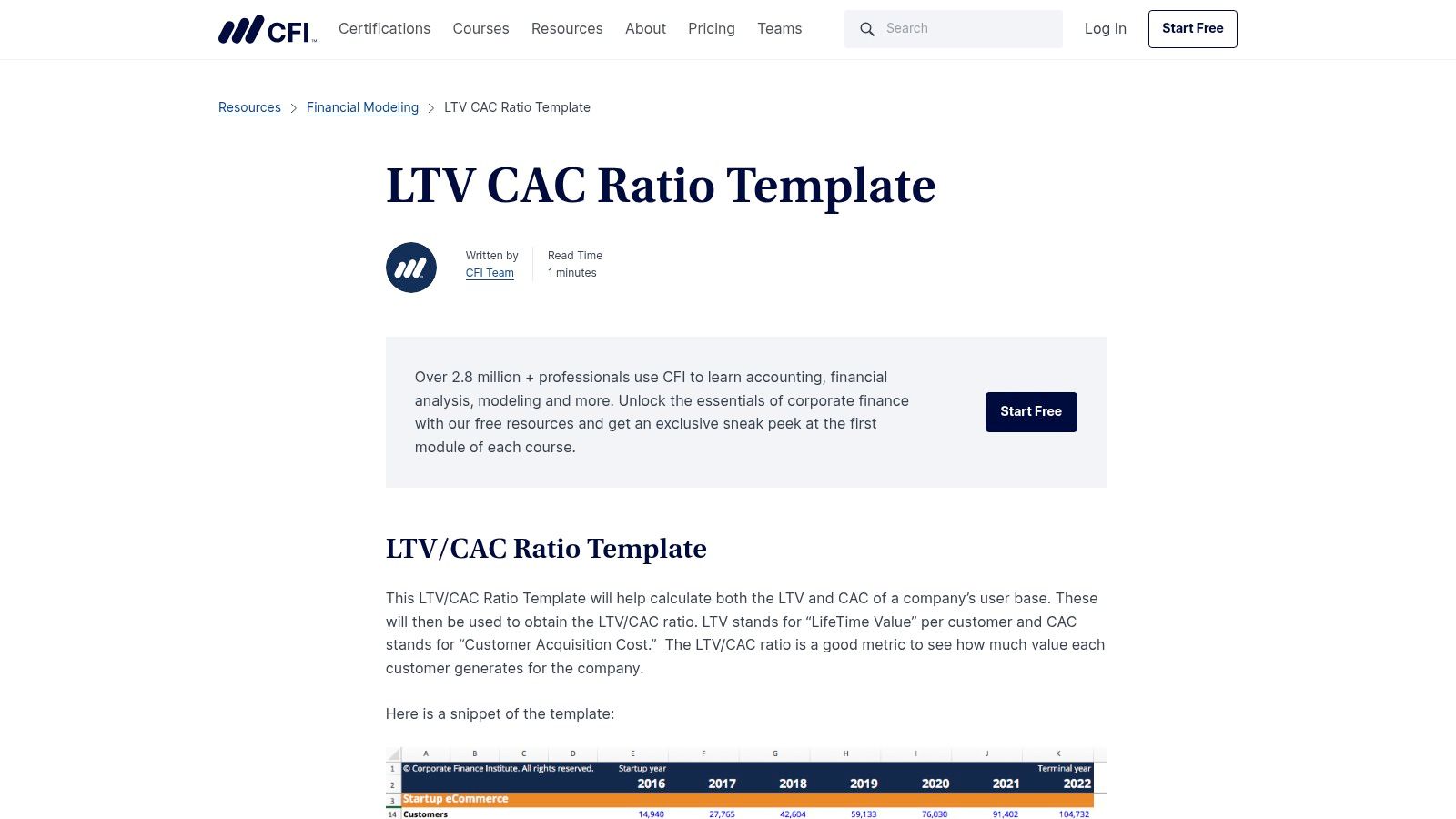
What sets the CFI template apart is its pedigree. A SaaS CFO we know uses this as their starting point for board meeting prep. They plug in their Stripe and HubSpot data to generate a baseline LTV:CAC, then use the unlocked cells to model scenarios like "What if we increase customer success headcount to reduce churn by 0.5%?" It serves not just as a calculator but as a mini-lesson in financial modeling, aligning perfectly with the needs of a data-driven SaaS team. You can find out more about the different approaches to these calculations by exploring the nuances of lifetime value calculation for SaaS.
Core Features & Access
The Excel file is available for immediate download from their resources page without requiring an email or personal information.
- Format: Microsoft Excel Template
- Guidance: Clear formula structure showing calculations for LTV, CAC, and the ratio.
- Context: Backed by CFI's extensive library of finance tutorials and educational content.
Our Take: CFI's calculator is the go-to for finance-oriented teams who want a robust, transparent, and easily extendable Excel model for serious board-level conversations.
Pros & Cons
| Pros | Cons |
|---|---|
| Excellent for finance professionals and FP&A. | Excel-centric; no web-based or interactive version. |
| Reputable finance education provider ensures quality. | Lacks built-in data visualizations. |
| Transparent formulas are easy to audit and adapt. | May be overly complex for non-finance users. |
Website: CFI LTV to CAC Ratio Excel Template
3. Affonso.io
Affonso.io provides a nimble, browser-based unit economics tool for SaaS operators who need quick answers without the setup overhead of a spreadsheet. This is the ideal LTV CAC ratio calculator free for impromptu "what-if" sessions. Instead of downloading templates, you simply input your ARPA, gross margin, churn, and CAC directly into the web interface to get instant results, including LTV, CAC payback period, and your LTV:CAC ratio.

The standout feature here is the sensitivity analysis. A founder we advise used these interactive sliders in a live weekly growth meeting to show the team the impact of a proposed pricing change. By sliding the ARPA up by 15%, they instantly saw the LTV:CAC jump from 2.8:1 to 4:1, making a compelling case for the experiment. It transforms a static calculation into a dynamic strategic exercise, perfect for getting team buy-in.
Core Features & Access
Access is immediate and requires no sign-up or email submission. You can start calculating right on the webpage.
- Format: Interactive web-based calculator.
- Guidance: Calculates LTV, CAC, ratio, and payback period on the fly.
- Context: Visualizes the impact of changing variables with sliders and a heatmap.
Our Take: Affonso.io is built for speed and exploration. It's the perfect tool for a quick gut check or for demonstrating the levers of SaaS profitability to your team in real-time.
Pros & Cons
| Pros | Cons |
|---|---|
| Instant, no-friction access (no sign-up). | Lacks the depth of a full SaaS analytics platform. |
| Excellent for rapid scenario modeling with heatmaps. | No option to save or export your calculations. |
| Intuitive and highly visual interface. | Assumes a simple SaaS model; not for complex scenarios. |
Website: Affonso.io LTV-CAC Analyzer
4. Artometrix
Artometrix offers a sharp, focused web tool that goes a step beyond the basic LTV to CAC calculation. Its free CLV calculator is particularly useful for SaaS operators who need to quickly model different scenarios, such as testing the financial impact of new subscription tiers or pricing changes. The calculator provides not just the final ratio but also crucial related metrics like CAC payback period in months, giving you a fuller picture of your customer unit economics.
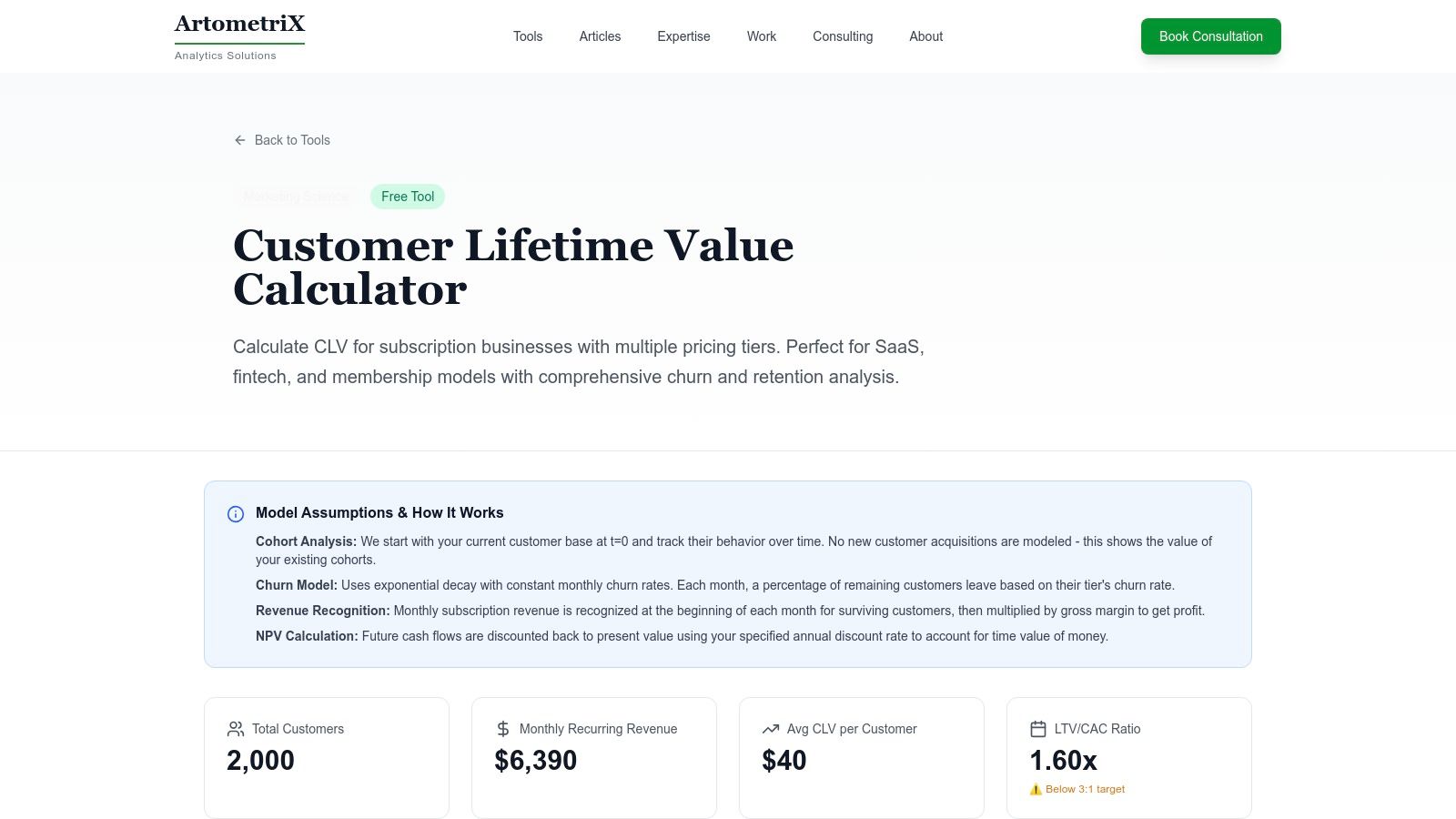
What makes this tool stand out is its integrated guidance. A product manager testing a new "Pro" tier can plug in the projected ARPA and expected churn rate. If the resulting LTV CAC ratio calculator free results come in below the ideal 3:1 benchmark, Artometrix provides actionable recommendations. This immediate feedback loop turns a simple calculation into a strategic planning exercise. The ability to export your results to a CSV file makes it easy to then share this data in a product brief or a Slack channel.
Core Features & Access
The tool is available directly on their website with no email gate or required signup. You can input your data and get instant results.
- Format: Interactive web-based calculator.
- Guidance: Includes both simple and discounted CLV models plus a CAC payback period.
- Context: Offers built-in recommendations and allows you to download your calculations as a CSV file.
Our Take: Artometrix is the perfect tool for quick "what-if" scenario planning and for founders who want immediate, context-aware feedback on their numbers.
Pros & Cons
| Pros | Cons |
|---|---|
| Great for modeling subscription tiers and payback periods. | Not a comprehensive BI or analytics platform. |
| Clear recommendations and interpretation are built-in. | Advanced cohort modeling requires custom work. |
| No email gate and offers a CSV download for results. | The interface is functional but very simplistic. |
Website: Artometrix CLV Calculator
5. Levanta Labs
Levanta Labs provides a streamlined, web-based tool designed for quick executive-level checks on SaaS unit economics. This LTV CAC ratio calculator free tool is perfect for founders and operators who need a rapid sanity check without getting bogged down in complex spreadsheets. It goes beyond the basic ratio by also calculating breakeven CAC and profit per user, giving you a more holistic view of your financial health in seconds.
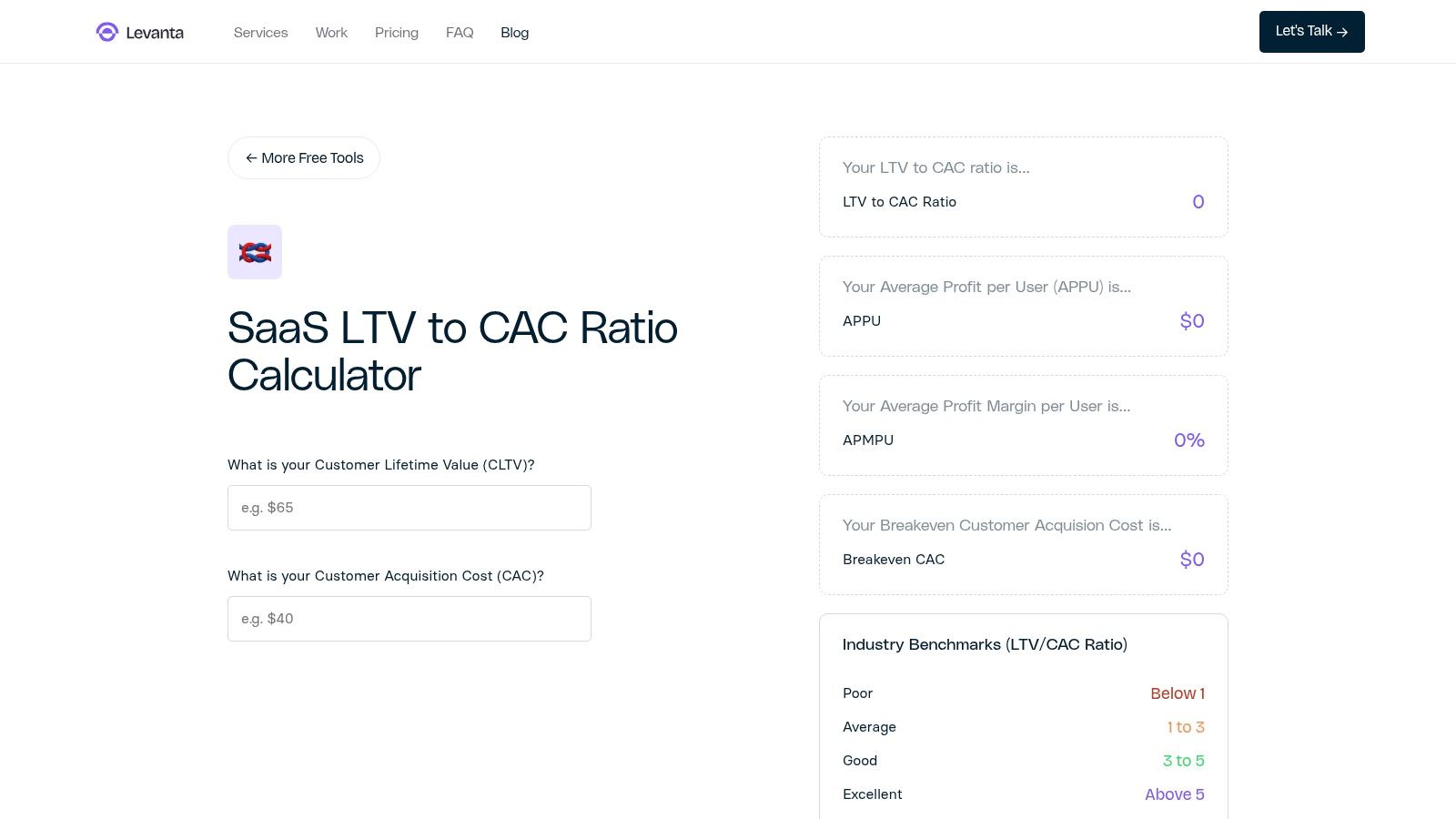
What makes the Levanta Labs tool particularly useful is its built-in benchmarking. A CEO preparing for a board meeting can quickly enter their latest monthly numbers and get an instant "good/average/poor" indicator. This contextualizes their LTV:CAC of 3.2 as "Good," providing immediate confidence and a clear talking point. It’s invaluable for quickly assessing performance during a team meeting or when evaluating the potential impact of a new marketing campaign. It’s designed for speed and clarity above all else.
Core Features & Access
The calculator is available directly on their website with no sign-up or email required. Just plug in your numbers and get instant results.
- Format: Interactive Web-Based Calculator
- Guidance: Calculates LTV:CAC, breakeven CAC, and profit per user.
- Context: Instant "good/average/poor" benchmarking to help frame your results.
Our Take: Levanta Labs offers the fastest path from raw data to an actionable insight. It's the ideal back-of-the-napkin tool for seasoned operators.
Pros & Cons
| Pros | Cons |
|---|---|
| Fast and simple with minimal inputs required. | No data import or advanced cohorting capabilities. |
| SaaS-oriented with relevant secondary metrics. | Lacks export or record-keeping features. |
| Great for executive summaries and quick decisions. | Overly simplified for deep financial modeling. |
Website: Levanta Labs SaaS LTV:CAC Ratio Calculator
6. RookieOven
RookieOven offers a refreshingly simple, web-based tool for founders who need a quick gut check on their unit economics. This LTV CAC ratio calculator free of charge strips away all complexity, presenting a single screen where you input your core numbers and get immediate results for CAC, LTV, and the all-important ratio. It’s part of a broader collection of startup calculators, making it a handy resource for early-stage teams validating their business model. The design is all about speed and clarity, perfect for a back-of-the-napkin calculation during a strategy session.
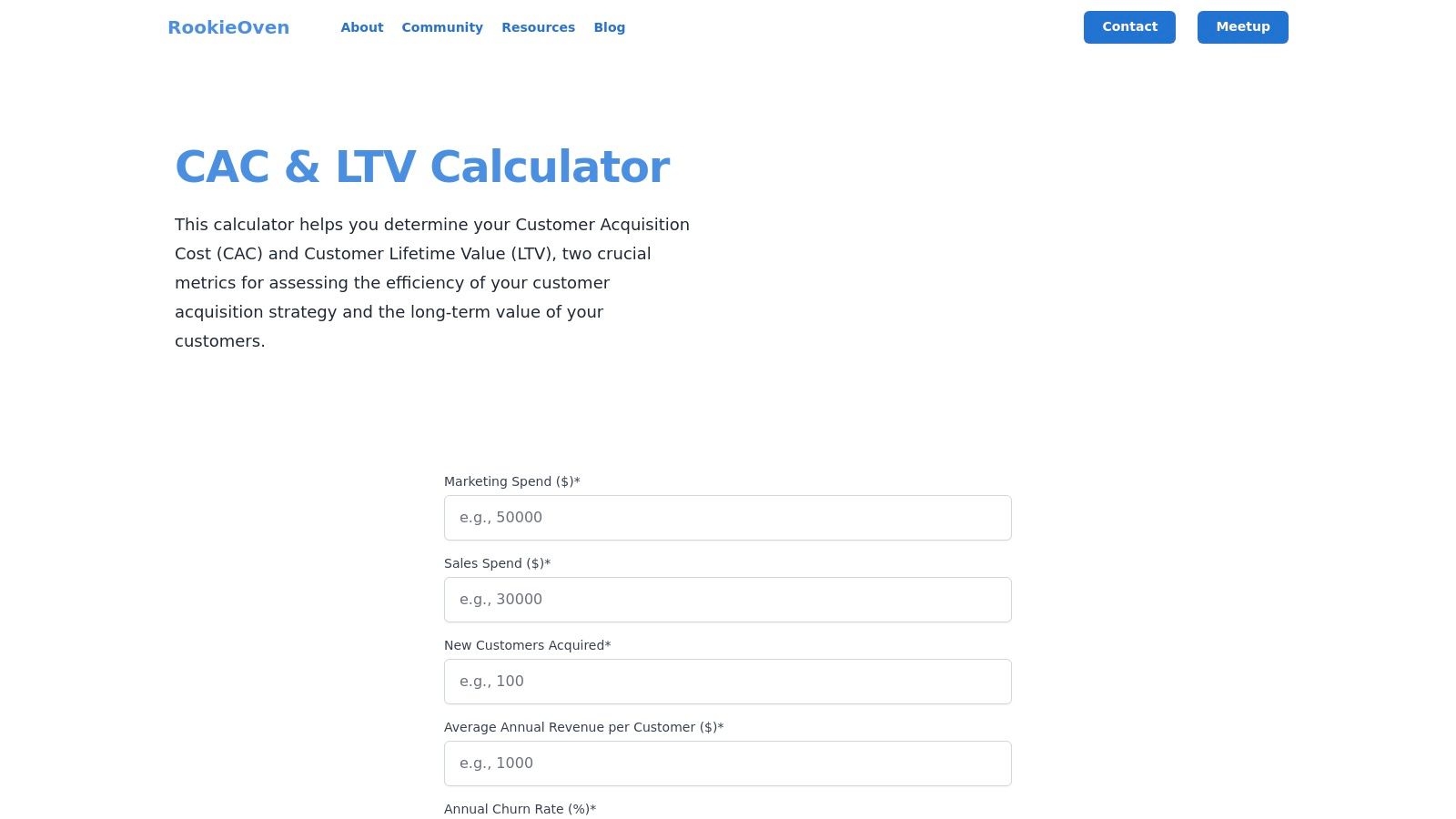
What makes RookieOven effective is its low-friction approach. There are no forms to fill out or spreadsheets to download. An early-stage founder can use this during an investor pitch meeting to model a hypothetical scenario on the fly. "If we hit our projected ARPU of $100 and maintain a 2% churn, our LTV would be $5,000." Plugging that in with a target CAC of $1,500 instantly shows a healthy 3.3:1 ratio, adding credibility to their projections. It’s the ideal tool for translating high-level assumptions into a tangible LTV:CAC ratio.
Core Features & Access
The calculator is accessible directly on the website with no login or email required. Just visit the page and start entering your data.
- Format: Interactive Web Calculator
- Guidance: Simple input fields with clear labels for annual data.
- Context: Results for CAC, LTV, and the LTV:CAC ratio are displayed together for easy comparison.
Our Take: RookieOven is the epitome of a quick-and-dirty calculator. It's the perfect tool for instant validation of your unit economics without any setup.
Pros & Cons
| Pros | Cons |
|---|---|
| Extremely low friction with no sign-up needed. | Simplified methodology doesn't account for discounting (NPV). |
| Beginner-friendly framing is great for founders. | No clear way to save or export your calculations. |
| Immediate results on a single screen. | Limited to basic annual inputs; not for complex models. |
Website: RookieOven LTV/CAC Calculator
7. Protoolio
Protoolio offers a unique, minimalist take on the LTV:CAC ratio calculator. Instead of a downloadable spreadsheet or a complex dashboard, it provides a sleek, in-browser tool that's designed for speed and shareability. Its standout feature is the one-click embeddable widget, making it a powerful resource for internal wikis, team dashboards, or even public-facing blog posts where you want to provide an interactive element for your audience. This makes it an excellent LTV CAC ratio calculator free tool for quick alignment.
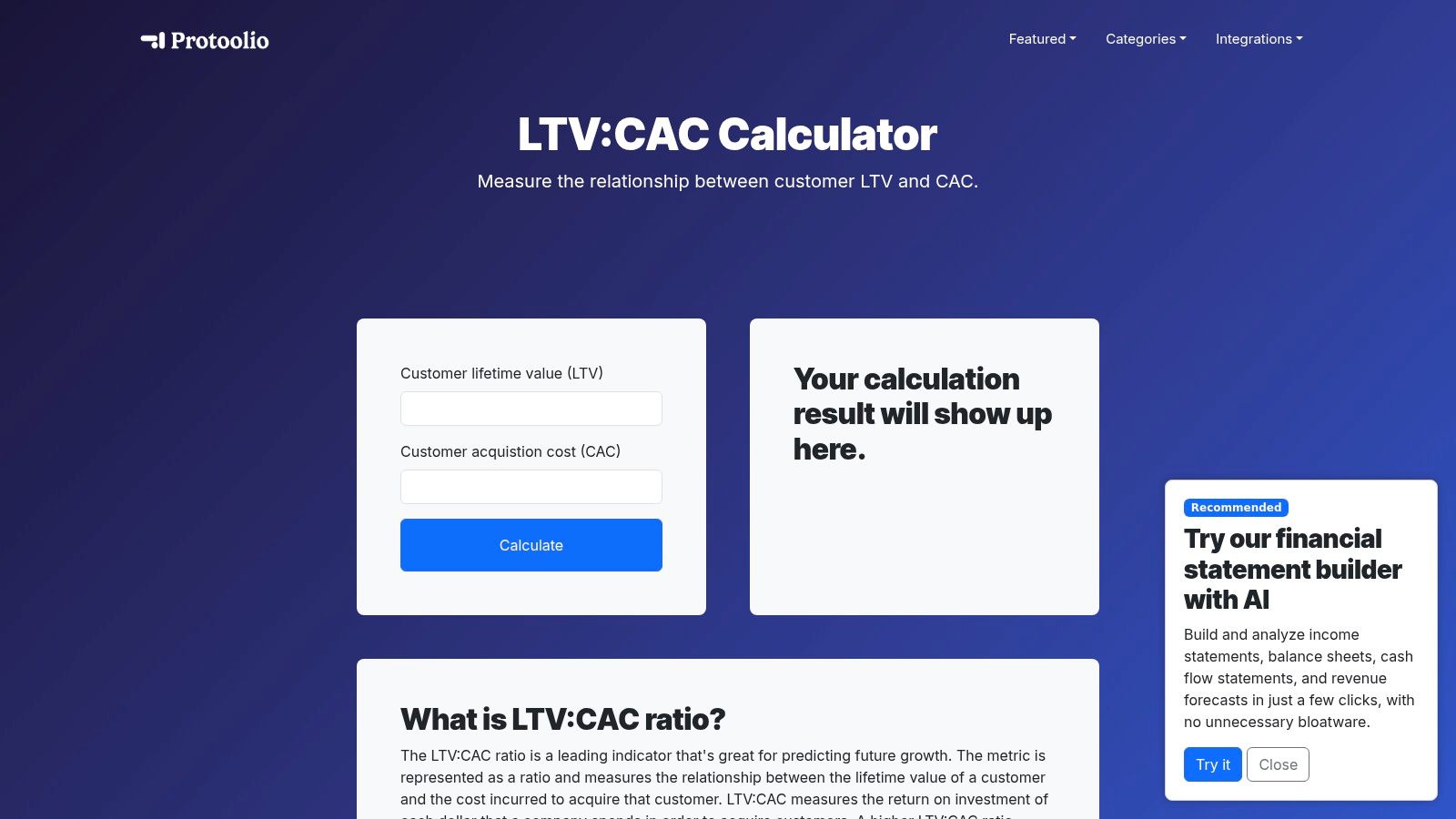
A content marketing manager could embed this widget in a blog post about SaaS profitability, allowing readers to calculate their own ratio without leaving the page. Internally, a head of operations could embed it in their company’s Notion or Confluence wiki to create a single source of truth for the team, ensuring everyone is using the same simple formula for quick checks. It’s built for accessibility over complexity, prioritizing instant value and ease of deployment.
Core Features & Access
The calculator is accessible directly on the Protoolio website with no signup required. You can use it instantly and embed it with a simple copy-paste of the provided code snippet.
- Format: Interactive in-browser web tool.
- Guidance: A short, integrated explanation of the LTV:CAC metric.
- Unique Feature: One-click embeddable widget for use on any website.
Our Take: Protoolio is the best choice if your goal is to share a live calculator with your team or audience. It’s less about deep analysis and more about making the calculation accessible.
Pros & Cons
| Pros | Cons |
|---|---|
| Zero setup for embedding on websites or intranets. | Not specialized for SaaS cohort or advanced models. |
| No email or signup required for access. | Does not show payback period or sensitivity analysis. |
| Useful for sharing or collecting inputs publicly. | The interface is minimal, with no data storage or tracking. |
Website: Protoolio LTV CAC Calculator
8. DashboardsExcel
For FP&A professionals and finance teams who live and breathe spreadsheets, DashboardsExcel offers a straightforward, no-nonsense solution. Their offering is a completely free and downloadable LTV CAC ratio calculator free of any marketing gates or fluff. This tool is designed for offline modeling, making it perfect for preparing internal finance reviews, running scenarios, or integrating LTV:CAC calculations into larger financial models without needing an internet connection or web-based tool. It’s built for those who prefer the control and familiarity of a local Excel file.
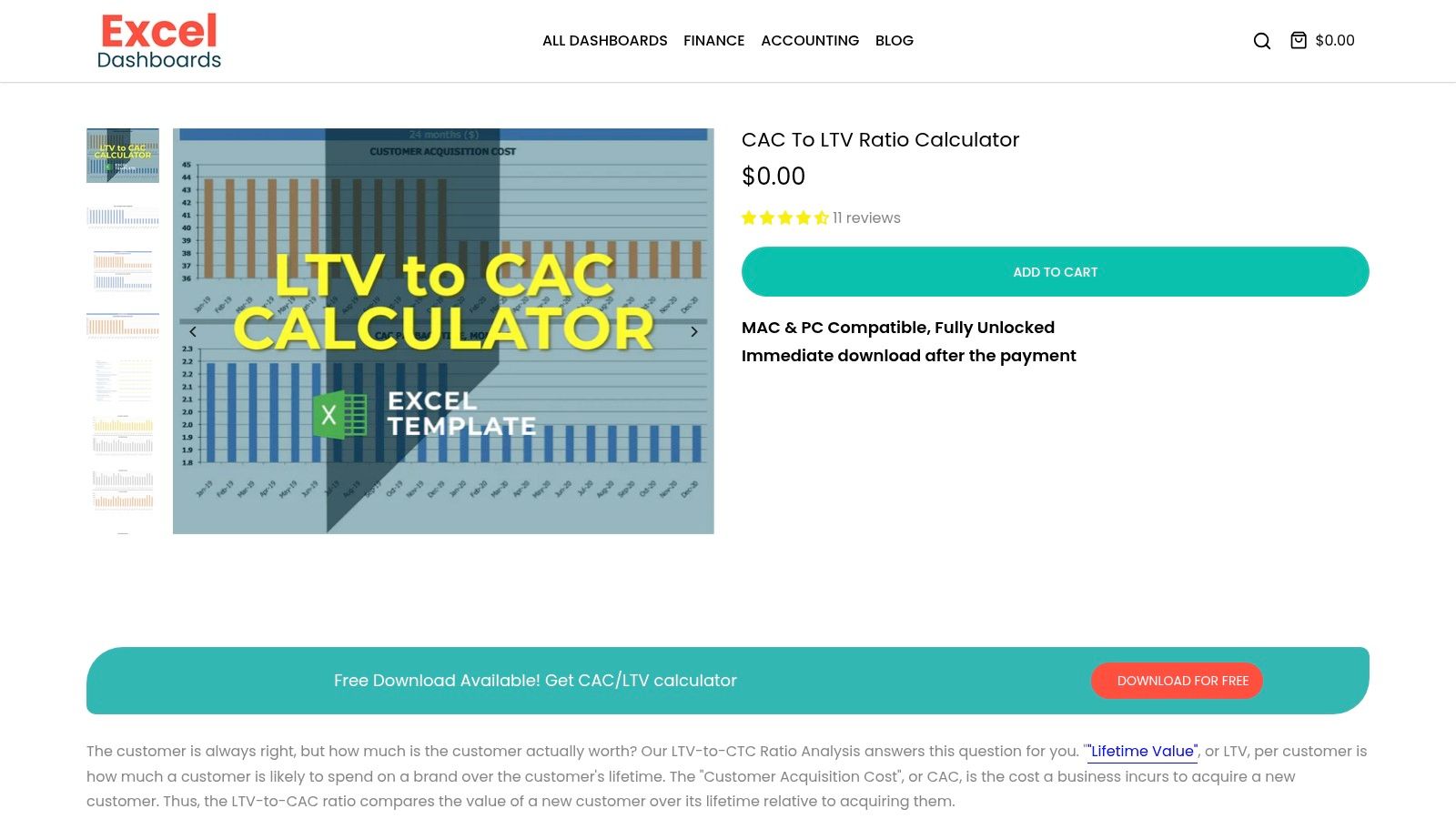
This is the kind of utility an operations leader downloads once and then customizes for their company’s specific needs. For example, they might add a new tab to pull in marketing spend data from a separate export, or link the churn input to a cell from their master cohort analysis workbook. The fact that it's fully unlocked and editable is its key feature. It’s a pure utility for operators who already understand the concepts but need a clean template to work with, especially for adjusting inputs like your churn rate for your SaaS business.
Core Features & Access
You can download the Excel file directly from their product page for $0, with no email or personal information required. Just add it to your cart and check out.
- Format: Unlocked Microsoft Excel Workbook (Mac/PC compatible).
- Guidance: Basic instructions and a section highlighting the 3:1 target ratio.
- Customization: Fully editable cells and formulas for advanced modeling.
Our Take: This is the go-to choice for finance-focused operators who want a clean, offline Excel template without any strings attached to build upon.
Pros & Cons
| Pros | Cons |
|---|---|
| Truly free and instantly downloadable. | Visuals and documentation are very basic. |
| Excellent for FP&A workflows and offline analysis. | No automation or integrations with live data sources. |
| Fully editable and easy to adapt. | Lacks the educational context of other resources. |
Website: DashboardsExcel CAC LTV Calculator
9. eFinancialModels
eFinancialModels provides a professional-grade, downloadable spreadsheet for founders and finance leads who live and breathe Excel. As a marketplace for financial templates, their free LTV CAC ratio calculator free download feels more like a component of a larger financial model than a standalone educational tool. This is ideal for operators who are already comfortable with SaaS metrics and want a robust, pre-built template to drop into their existing financial reporting suite or board decks. The model is clean, well-structured, and includes context around common benchmarks like the 3:1 ratio.
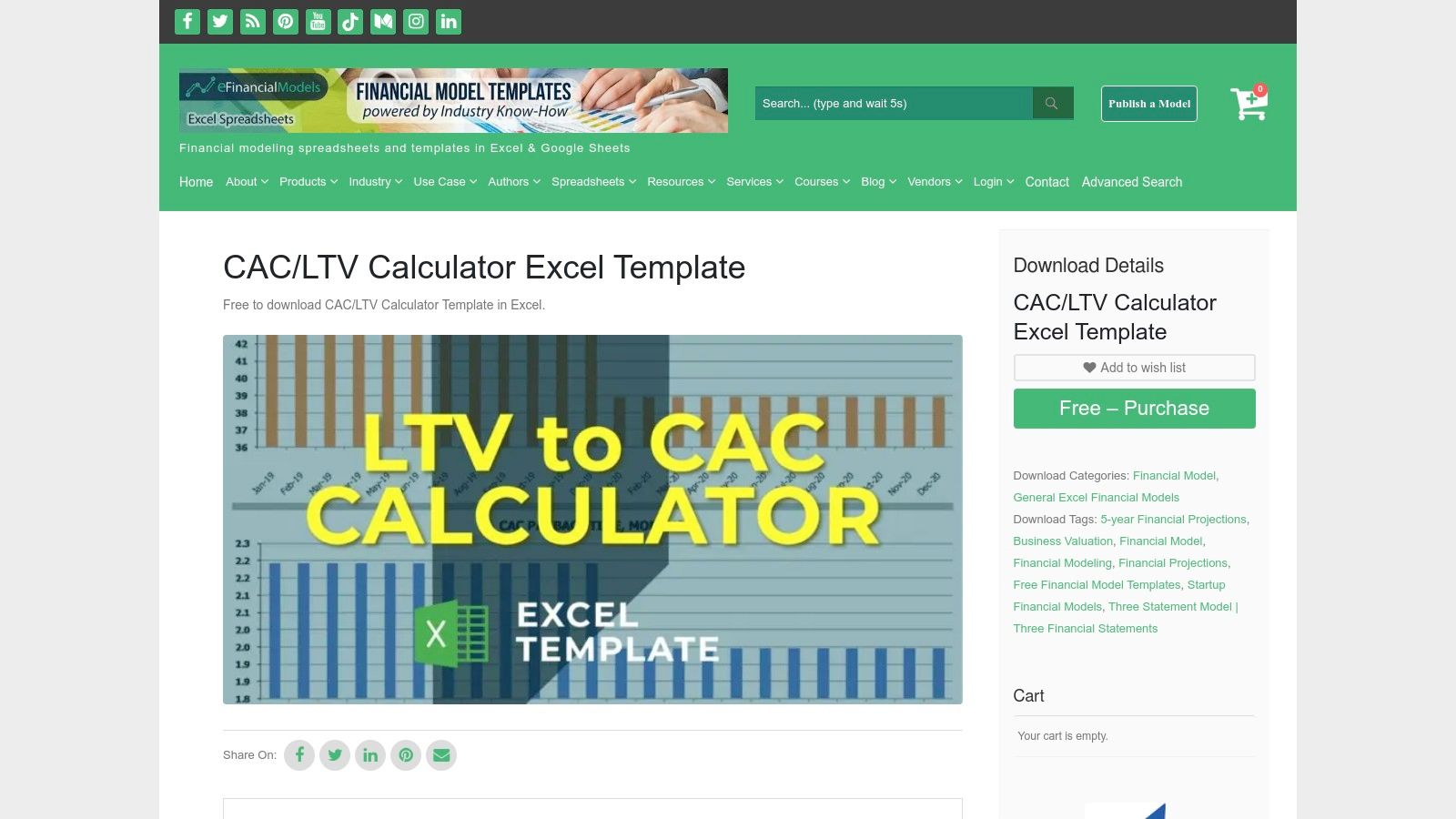
What makes this resource unique is its origin. It’s not a content marketing lead magnet; it’s a free product listed on a curated marketplace known for high-quality financial tools. This pedigree suggests a level of detail and structural integrity that's a step up from a simple blog-accompanying spreadsheet. A SaaS finance lead could confidently use this template as the foundation for a quarterly investor update, knowing it was built with professional modeling standards in mind.
Core Features & Access
Accessing the template requires adding the free item to your cart and going through a quick checkout process, after which you can download the Excel file.
- Format: Microsoft Excel Template
- Guidance: Cleanly laid out inputs and outputs for LTV and CAC.
- Context: Sits within a broader ecosystem of professional financial models.
Our Take: eFinancialModels offers a no-nonsense, professional-quality template for those who just need a solid model without the educational hand-holding.
Pros & Cons
| Pros | Cons |
|---|---|
| Professional-grade template from a trusted source. | The "add to cart" checkout process adds a little friction. |
| Marketplace vetting ensures a quality structure. | Support is dependent on the template author, not the platform. |
| Easy to customize and integrate into other models. | Less educational guidance compared to blog-based tools. |
Website: eFinancialModels CAC LTV Calculator Excel Template
10. Baremetrics Academy
Baremetrics Academy takes a rigorous, first-principles approach, moving beyond a simple LTV CAC ratio calculator free tool. Instead of one formula, it offers multiple free Google Sheets templates for calculating LTV, including discounted cash flow (DCF) and margin-adjusted models. This is for the serious SaaS operator who understands that not all LTV calculations are created equal and wants to choose the right methodology for their specific business stage and model. The focus is purely on getting LTV right, so you can make smarter decisions about CAC and payback periods.

What makes this resource exceptional is its educational depth. Baremetrics explains when to use each LTV model, providing the strategic context that most simple calculators lack. For example, a late-stage SaaS company with long-term contracts should use the DCF model to accurately reflect the time value of money, a crucial detail for enterprise-level financial planning. For any operator looking to truly master their metrics, exploring the importance of LTV and CAC for SaaS businesses on saasoperations.com is a critical next step.
Core Features & Access
The Google Sheets templates are freely accessible from the Baremetrics Academy blog post. You can simply make a copy to your own Google Drive.
- Format: Google Sheets Templates
- Guidance: Detailed explanations of multiple LTV methodologies (DCF, margin-adjusted).
- Context: Designed specifically for SaaS revenue models with considerations for churn and expansion.
Our Take: Baremetrics provides a masterclass in LTV calculation, not just a tool. It's the best option for operators who want to move past basic formulas to more accurate, defensible metrics.
Pros & Cons
| Pros | Cons |
|---|---|
| Strong methodology and best-practice focus. | Primarily focused on LTV; you must input CAC separately. |
| Easy to duplicate and adapt in Google Sheets. | May require some customization to fit your specific data model. |
| Teaches advanced LTV concepts like DCF. | Can be overly complex for very early-stage startups. |
Website: Baremetrics Academy: SaaS LTV Models
11. ChartMogul
While not a direct calculator, ChartMogul offers something arguably more valuable for serious SaaS operators: authoritative documentation. This resource is less about finding a quick number and more about establishing the correct methodology for your entire team. It details exactly how a leading subscription analytics platform calculates LTV and provides guidance, such as the classic benchmark that LTV should be at least three times your CAC. This is the perfect starting point for teams looking to align on definitions before building their own financial models.
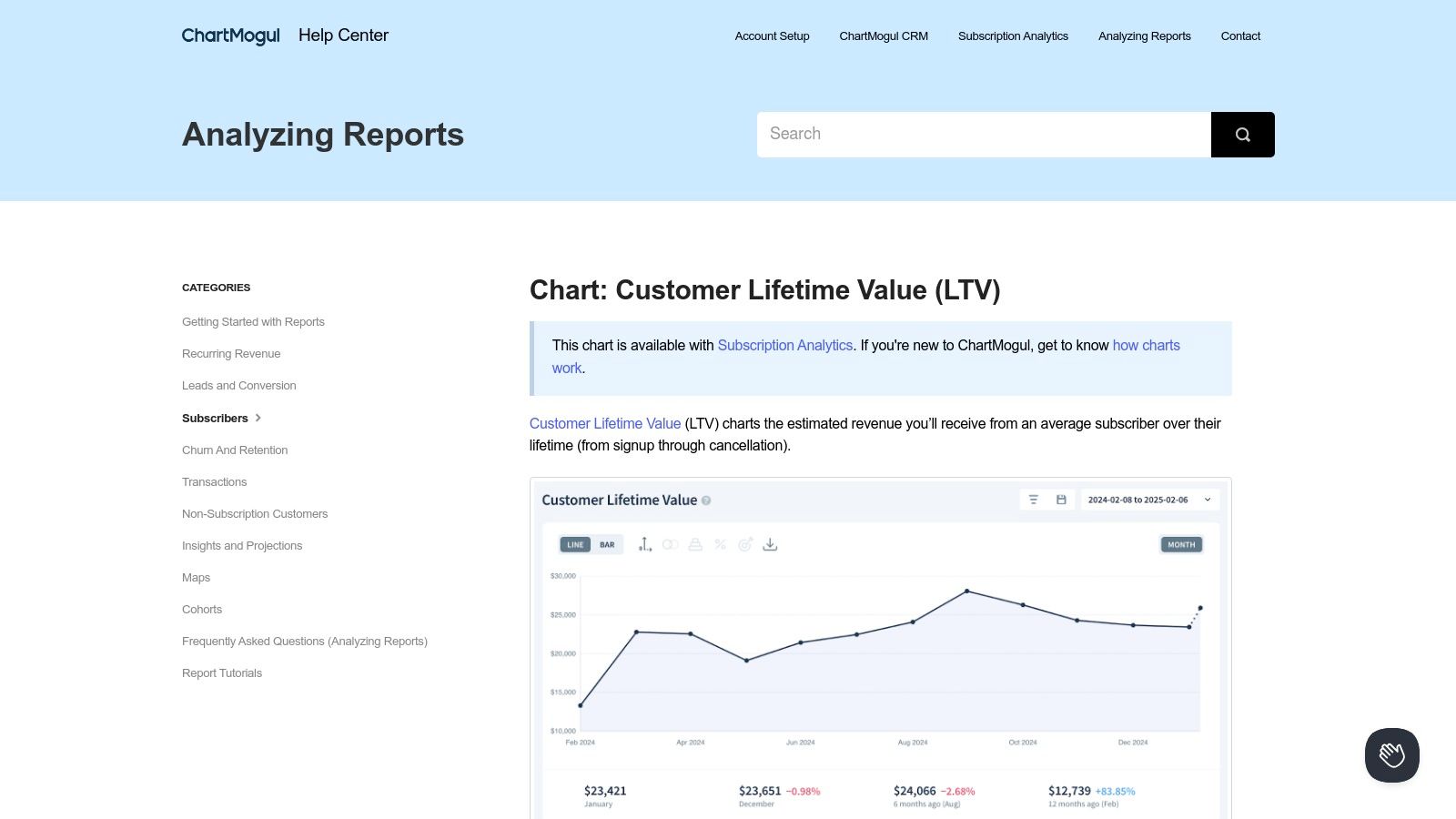
The true value here is in standardization. A common debate in SaaS leadership teams is, "Should we calculate LTV based on the past 3 months of churn or 6 months?" ChartMogul’s documentation provides a clear playbook for this, recommending specific look-back periods based on business volatility. Getting the executive team and board to agree on these underlying formulas is a critical step often missed, and this resource serves as the manual for creating a single source of truth. For a deeper dive into the cost side of the equation, you can explore more on CAC calculation methodologies.
Core Features & Access
This resource is a free-to-access help article that provides deep insights into the LTV formula.
- Format: Explanatory Documentation / Help Article
- Guidance: Detailed LTV formula with data notes (e.g., trailing churn averages).
- Context: Discusses interpreting LTV relative to CAC and the importance of cohorts.
Our Take: ChartMogul provides the "why" and "how" for serious operators. It's a foundational resource for standardizing your metrics before you calculate them.
Pros & Cons
| Pros | Cons |
|---|---|
| Trusted SaaS metrics authority for standardizing methodology. | Not a standalone LTV CAC ratio calculator free tool. |
| Helps align teams and boards on key definitions. | Automated calculations require a paid ChartMogul subscription. |
| Excellent documentation on nuanced topics like cohorts. | Focus is primarily on LTV, not a combined ratio. |
Website: ChartMogul Customer Lifetime Value (LTV) Documentation
12. fuelfinance
fuelfinance offers a well-structured unit economics template that serves as an excellent LTV CAC ratio calculator free for both SaaS and ecommerce businesses. Provided as a Google Sheet or Excel file, this resource is designed for founders and operators who need a quick but thorough way to model scenarios, plan budgets, and understand their core financial health without getting bogged down in complex software. It strikes a great balance between being easy to use and providing genuine analytical depth.

What sets this template apart is its focus on unit economics as a whole, calculating not just the LTV:CAC ratio but also the crucial payback period. A Head of Growth can use this template to make a business case for investing in a new marketing channel. By inputting the channel's expected CAC and conversion rates, they can not only show a projected 4:1 LTV:CAC but also a 9-month payback period, providing the CFO with the data needed to approve the budget. This holistic view is key for cash-flow-sensitive startups.
Core Features & Access
To access the calculator, you simply visit their page and can duplicate the Google Sheet or download the Excel version directly, with no email gate.
- Format: Google Sheets / Microsoft Excel Template
- Guidance: Calculates LTV, CAC, LTV:CAC, and payback period in one unified dashboard.
- Context: Specifically designed with use cases for both SaaS and ecommerce models.
Our Take: fuelfinance provides a fast, no-strings-attached tool that is perfect for operators who want a slightly more advanced view of their unit economics, including payback.
Pros & Cons
| Pros | Cons |
|---|---|
| Good balance of simplicity and analytical rigor. | Spreadsheet maintenance is entirely manual. |
| Fast to duplicate and adapt for team workflows. | Not integrated with live data sources by default. |
| Calculates payback period, a key operational metric. | Best for modeling, not for real-time tracking. |
Website: fuelfinance Unit Economics Calculator
Top 12 Free LTV:CAC Calculators — Comparison
| Tool | Core features ✨ | Quality ★ | Price / Value 💰 | Target audience 👥 | Best fit / USP 🏆 |
|---|---|---|---|---|---|
| HubSpot | Free template + step‑by‑step LTV/CAC guidance & benchmarks | ★★★★ | 💰 Free (gated) | 👥 Non‑finance teams, onboarding | 🏆 Educational, practical examples |
| Corporate Finance Institute (CFI) | Excel download with transparent formulas & retention options | ★★★★ | 💰 Free (Excel) | 👥 Finance / FP&A teams | 🏆 Finance‑grade formulas & tutorials |
| Affonso.io | Instant browser LTV:CAC + payback, sensitivity sliders & heatmaps | ★★★★ | 💰 Free, no sign‑up | 👥 PMs, strategists, founders | 🏆 Fast interactive scenario testing |
| Artometrix | Discounted CLV models, payback months + CSV export & guidance | ★★★★ | 💰 Free | 👥 Subscription analysts / pricing | 🏆 Recommendations + CSV export |
| Levanta Labs | LTV:CAC, breakeven CAC, profit/user & quick benchmarks | ★★★★ | 💰 Free | 👥 Executives / product leads | 🏆 Executive‑friendly quick checks |
| RookieOven | Single‑screen CAC/LTV/LTV:CAC — very simple inputs | ★★★ | 💰 Free | 👥 Founders / early startups | 🏆 Low friction founder validation |
| Protoolio | LTV:CAC output + one‑click embeddable widget and primer | ★★★ | 💰 Free | 👥 Marketers / docs teams | 🏆 Embeddable calculator widget |
| DashboardsExcel | Fully unlocked, editable Excel workbook for offline modeling | ★★★★ | 💰 Free ($0 download) | 👥 FP&A / finance teams | 🏆 FP&A‑friendly editable model |
| eFinancialModels | Curated marketplace Excel template for CAC/LTV calculations | ★★★ | 💰 Free (checkout required) | 👥 Finance modelers / SMEs | 🏆 Marketplace discoverability & vetting |
| Baremetrics Academy | Google Sheets templates with multiple LTV methodologies (DCF, margin) | ★★★★ | 💰 Free (Sheets) | 👥 SaaS finance & growth teams | 🏆 Methodology & best‑practice focus |
| ChartMogul | Authoritative LTV methodology, cohort & segment guidance | ★★★★ | 💰 Docs free; platform paid | 👥 Metrics teams / analysts | 🏆 Industry‑standard definitions & alignment |
| fuelfinance | Google Sheets & Excel unit‑economics (LTV, CAC, payback) | ★★★★ | 💰 Free (Sheets/Excel) | 👥 SaaS & ecommerce planners | 🏆 All‑in‑one unit economics template |
From Calculation to Action: Making Your LTV:CAC Ratio a Core Part of Your Operating Rhythm
We’ve journeyed through a comprehensive list of the best free LTV:CAC calculators, from the simplicity of HubSpot’s tool to the detailed spreadsheet models from eFinancialModels. You now have a toolkit filled with options, whether you need a quick online calculation, a customizable Excel template, or an educational resource like ChartMogul's guide to dive deeper. But finding the right LTV CAC ratio calculator free tool is just the starting point. The real value isn't in knowing the number; it's in what you do with it.
A healthy LTV:CAC ratio is the heartbeat of a sustainable SaaS business. Letting this critical metric live in a forgotten spreadsheet is a massive missed opportunity. The most successful SaaS operators we know don't just calculate their LTV:CAC; they live by it. Here's exactly how to move from calculation to action.
Weaving LTV:CAC into Your SaaS DNA: The 3-Step Playbook
Transforming this metric from a static number into a dynamic lever for growth requires embedding it into your company's operating rhythm.
Step 1: Make it Visible (The Company Scorecard)
Your LTV:CAC ratio shouldn't be a secret held by the finance team. The first action is to add it to your core company scorecard—the one you review weekly in leadership meetings. Display it alongside MRR, churn, and pipeline. Everyone from marketing and sales to product and customer success should see this number and understand their role in influencing it.
Step 2: Build an Actionable Playbook (The "If/Then" Protocol)
A number without a corresponding action plan is just trivia. Define what happens when your ratio moves.
- IF LTV:CAC drops below 3:1 for two consecutive weeks, THEN the marketing lead must present a channel-by-channel CAC analysis in the next meeting.
- IF LTV:CAC exceeds 5:1, THEN the growth team is authorized to test a new, more aggressive acquisition channel with an experimental budget.
For example, a marketing leader at a Series A B2B SaaS we worked with noticed their ratio dropped to 2.2:1. Their playbook immediately prompted a deep dive into channel performance, revealing that a high-spend LinkedIn campaign was acquiring low-ARPU customers. They reallocated the budget to a higher-performing content marketing funnel, and within a quarter, their ratio was back up to 3.5:1.
Step 3: Assign Ownership and Accountability (The DRI Model)
Each component of the LTV:CAC ratio needs a Directly Responsible Individual (DRI).
- Marketing Lead owns CAC: Their mandate is to lower CAC while maintaining lead quality. Their success is measured by this number.
- Head of Product & CS own LTV: Their mandate is to increase ARPU (via upsells, expansion) and reduce churn. Their performance is tied directly to LTV.
When everyone understands their piece of the puzzle, you create a culture of shared responsibility for sustainable growth.
Your Immediate Next Step
Your next action depends on your current stage.
- If you are an early-stage founder: Use a simple online tool like Affonso.io. Your goal is to get a directional feel for your unit economics in under five minutes. Don't overcomplicate it.
- If you are a growth-stage operator: Download the template from Corporate Finance Institute (CFI). Your task is to adapt it with your actual data from the last quarter and present the findings at your next leadership meeting.
The goal is progress, not perfection. Your initial calculations might be messy, relying on estimates for churn or customer lifetime. That's okay. The act of starting the process forces critical conversations about your business model. As your data fidelity improves, your LTV:CAC calculations will become more precise and even more powerful. This isn't just about math; it's about building a smarter, more resilient SaaS company.
Turning raw data from a free LTV:CAC calculator into strategic action is where the real work begins. At SaaS Operations, we provide battle-tested scorecards and operating playbooks that help you embed these critical metrics directly into your weekly meeting rhythms. Stop just reporting numbers and start using them to drive decisive, growth-oriented action by visiting us at SaaS Operations.