Free Onboarding Email Templates to Boost SaaS Activation
 Published By: Alex
November 27, 2025
Published By: Alex
November 27, 2025
A great product isn't enough; you need an onboarding experience that hooks users from the first click. A weak onboarding sequence leads to confusion, low activation rates, and ultimately, churn. Many SaaS operators spend weeks trying to invent the perfect email flow from scratch, only to see users drop off, wasting precious acquisition dollars. The secret isn't writing more emails, but sending the right emails at the right time.
We've been there, scaling multiple 8-figure SaaS businesses, and we've compiled the playbooks that actually work. This guide cuts through the noise, giving you a curated list of 12 battle-tested resources for free onboarding email templates. We'll break down not just the templates, but the strategy behind them, so you can stop guessing and start converting trial users into lifelong advocates. To streamline your processes and enhance the initial user experience for your SaaS, explore proven client onboarding automation strategies that complement these email templates.
We’re kicking things off with our own AI-powered Onboarding Email Sequence Generator, a tool we built specifically for SaaS operators to create custom, data-informed sequences in seconds. From there, we’ll dive into comprehensive platforms like HubSpot and Mailchimp, and design-focused tools like Beefree and Stripo. Each resource in this list includes direct links, screenshots, and our honest take on its strengths and weaknesses, so you can find the perfect fit for your tech stack and growth stage. Let's dive in.
1. Free Onboarding Email Sequence Generator (Tailored SaaS Templates)
Topping our list is the Free Onboarding Email Sequence Generator from SaaS Operations. This isn’t just a collection of static templates; it's a dynamic tool that generates a complete, multi-email onboarding sequence tailored to your specific SaaS business model. It’s an exceptionally strong choice for teams who need a comprehensive, battle-tested framework without starting from a blank page.
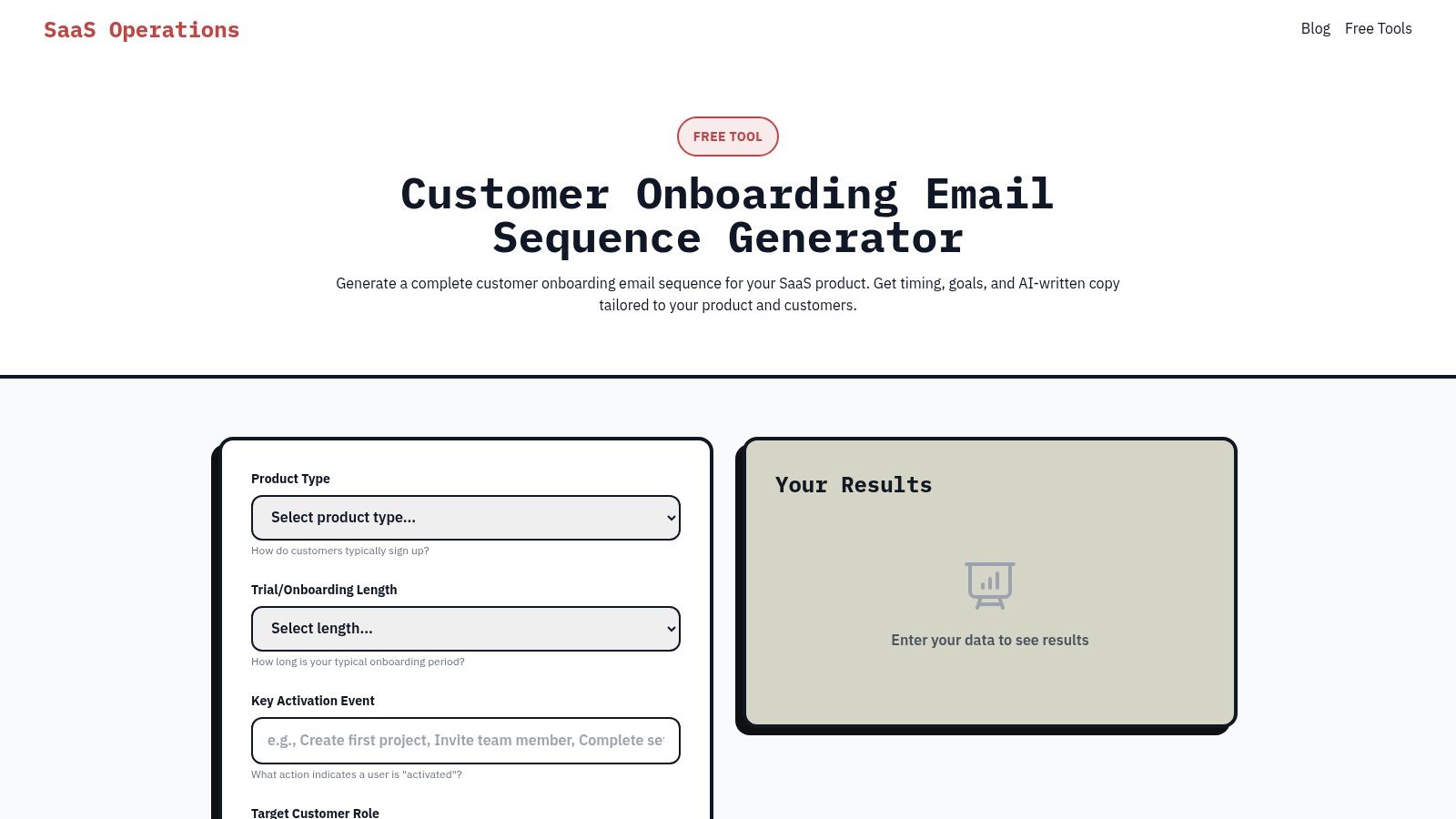
What truly sets this tool apart is its strategic depth. Instead of just giving you copy, it builds a coherent flow based on your go-to-market motion, whether you're product-led (PLG), sales-led, or focused on enterprise clients. The generator uses AI insights to provide everything needed for a rapid launch: send timing, per-email goals, multiple subject line options, and ready-to-use email copy.
Why It's Our Top Pick
This generator excels because it's built from the real-world playbooks and processes of seasoned SaaS operators. It solves the core problem of what to send and when, aligning each email with critical user activation milestones. For founders or growth teams looking for a strategic shortcut, this tool delivers immediate, actionable value.
- Go-to-Market Specificity: The ability to select your GTM motion (PLG, sales-led, etc.) ensures the generated sequence is relevant to how you actually sell and onboard customers.
- Complete Sequence Logic: It provides a full 6-8 email sequence, complete with goals for each message, from the initial welcome to driving feature adoption and preventing churn.
- AI-Enhanced Copywriting: The tool uses AI insights to craft clear, effective copy, significantly reducing the time spent on writing and editing.
Practical Implementation
Using the output is straightforward. Once you generate your sequence, you can copy the content and logic directly into your Email Service Provider (ESP) or marketing automation platform. While the AI-generated copy is a fantastic starting point, plan to spend some time refining it to perfectly match your brand voice and product specifics. This resource is designed to accelerate, not fully replace, the human touch.
Pros:
- Zero Cost, High Value: Generate a complete, usable sequence in minutes at no cost.
- SaaS-Centric: Specifically designed for SaaS onboarding challenges.
- Actionable Output: Includes timing, goals, subject lines, and AI-written copy.
- Operator-Vetted: Based on proven templates and SOPs, not just theory.
Cons:
- Requires Customization: The AI copy needs editing to align with your unique brand and product.
- Manual Integration: You'll need to manually import the sequence into your email platform.
For teams looking to implement a structured and effective email onboarding flow quickly, this tool is an unparalleled starting point. It's one of the best resources available for free onboarding email templates that truly understands the SaaS journey.
Link: Free Onboarding Email Sequence Generator
2. HubSpot
HubSpot is a titan in the marketing and sales world, and their free resources often reflect that expertise. Their Customer Onboarding Templates pack is no exception. Instead of just giving you a few email snippets, HubSpot provides a more holistic kit designed for mapping out a comprehensive onboarding journey, which is a goldmine for SaaS operators looking to build a structured process from the ground up.
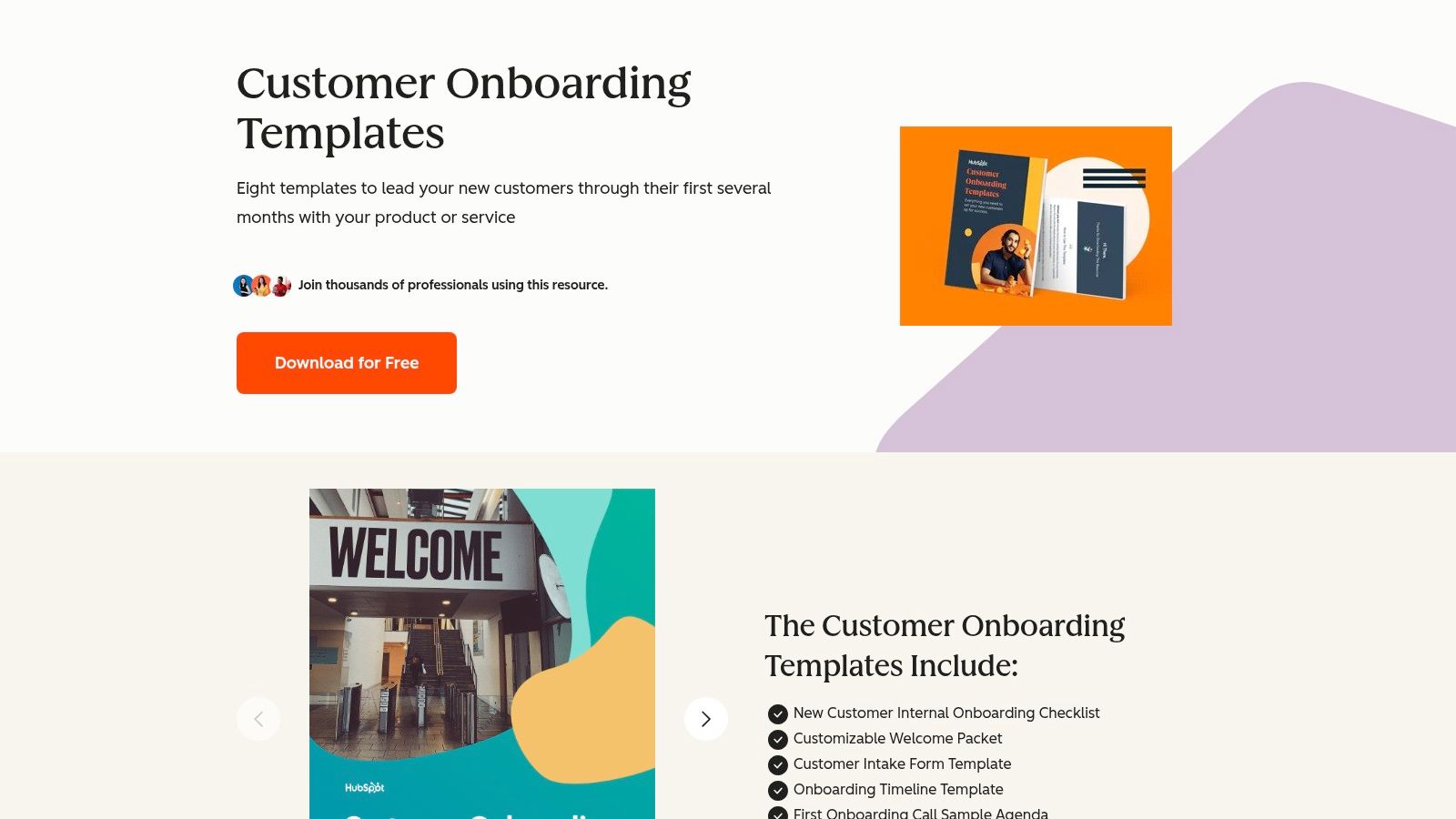
This freebie is less about plug-and-play HTML and more about strategic frameworks. It’s perfect if you're not just looking for copy, but for a proven playbook to guide both your internal team handoffs and your customer-facing communication.
What Makes HubSpot's Templates Stand Out?
The major differentiator here is the focus on the entire onboarding lifecycle, not just the initial welcome email. The downloadable pack includes assets like a welcome packet, project timelines, and a crucial handoff email template to ensure a smooth transition from sales to customer success. This aligns perfectly with a robust, multi-touchpoint strategy, a cornerstone of effective marketing automation for SaaS. It’s a bit like getting the blueprints for the entire house, not just the front door.
Key takeaway: Use HubSpot’s pack when you need to build or refine your entire onboarding process, not just fire off a few automated emails.
Limitations and Considerations
The biggest drawback is that these aren't ready-to-go email files. You have to copy the content and build the emails inside your own Email Service Provider (ESP). This requires a bit more elbow grease to format and design them. Additionally, you do have to fill out a form to get the download link, so it's a lead magnet, but a genuinely useful one.
- Pros: Genuinely free (email gate only), business-ready templates, covers multiple onboarding stages.
- Cons: Not plug-and-play HTML, requires manual formatting, download is behind a form.
Check out the HubSpot templates: Customer Onboarding Templates
3. Mailchimp
As one of the most recognizable names in email marketing, Mailchimp offers a user-friendly entry point for creating onboarding sequences. While not a dedicated "template pack" download, its strength lies in its built-in automation and extensive design library. This makes it an ideal choice for SaaS founders and small teams who need a visually polished welcome series without touching a line of code.
Mailchimp’s platform lets you leverage over 100 pre-designed templates as a starting point for your onboarding emails. The one-click "Welcome" automation and more advanced Customer Journey builder provide the framework, and you bring the copy. For SaaS operators focused on quick implementation and strong deliverability, this is a solid, all-in-one solution.
What Makes Mailchimp's Templates Stand Out?
The biggest advantage is the seamless integration of design and delivery. You can pick a template, customize it with a beginner-friendly drag-and-drop editor, and plug it directly into an automated workflow. There's no need to export HTML or manually configure anything in a separate ESP. If you need inspiration for the actual email copy, you can pair Mailchimp's design tools with a specialized tool like SaaS Operations' AI-powered onboarding email sequence generator to get proven content to paste into your chosen template.
Key takeaway: Use Mailchimp when your priority is a fast, easy-to-design, and visually appealing welcome series that works right out of the box.
Limitations and Considerations
While Mailchimp’s free plan is generous, many of the more powerful automation features and A/B testing capabilities are on paid tiers. The templates themselves are more design-focused than strategy-focused; you won't find pre-written copy specifically for SaaS feature activation or trial-to-paid conversion nudges. Additionally, hands-on onboarding consultations are reserved for higher-tier Standard and Premium plans.
- Pros: Easy-to-use design tools, excellent deliverability, integrated automation.
- Cons: Advanced features require paid plans, templates lack SaaS-specific strategic copy, personalized support is gated.
Check out the Mailchimp templates: Email Templates Library
4. Klaviyo
Klaviyo is a powerhouse in the ecommerce marketing automation space, but its prebuilt flows offer immense value for SaaS businesses as well. Their "Welcome Series" isn't just a single template; it's an entire out-of-the-box onboarding sequence available directly within their platform's Flows library. This makes it incredibly easy for teams to launch a proven, multi-step welcome experience without starting from scratch.
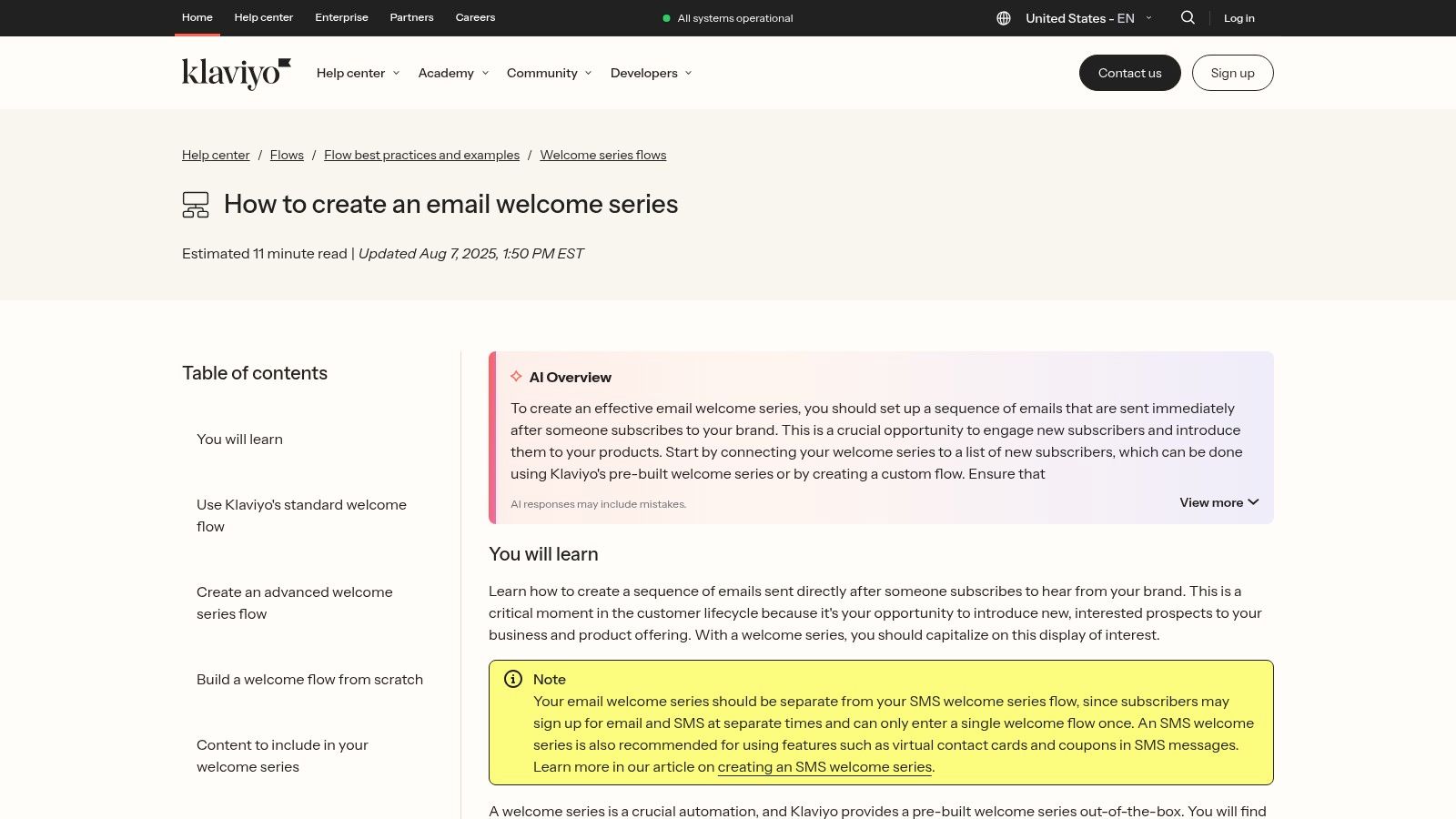
This resource is perfect for SaaS operators who want to activate a best-practice flow quickly and then customize it with deep segmentation. Instead of just giving you copy, Klaviyo provides the automation logic, timing, and editable email templates all in one place, ready to be tweaked with your own branding and messaging.
What Makes Klaviyo's Templates Stand Out?
The key differentiator is the combination of speed and power. You can activate a sophisticated welcome series in minutes, complete with conditional splits and timing recommendations based on user behavior. For SaaS, this means you can easily create paths for users who have activated a key feature versus those who haven't. The platform also natively supports omnichannel onboarding, allowing you to seamlessly integrate SMS or push notifications into the same flow to boost activation. For those looking to generate unique onboarding content with AI-powered insights, check out our onboarding email sequence generator to complement Klaviyo's framework.
Key takeaway: Use Klaviyo when you need to deploy a robust, data-driven onboarding sequence fast, especially if you plan to leverage deep ecommerce-style segmentation for your SaaS users.
Limitations and Considerations
While the "Welcome Series" flow is available on their free plan, Klaviyo's real power is unlocked as you scale. The primary limitation is that these free onboarding email templates are most valuable if you're already using or planning to use Klaviyo as your ESP. Moving these intricate flow logics to another platform would be a manual and complex process. Additionally, the full feature set and contact limits scale with paid usage, so heavy usage will move you into a paid tier.
- Pros: Fast to activate, includes best-practice automation logic, deep segmentation capabilities, omnichannel options.
- Cons: Best value when used within the Klaviyo ecosystem, advanced features require paid plans.
Check out the Klaviyo templates: Welcome Series Flow
5. MailerLite
MailerLite is a fantastic starting point for SaaS founders and small teams who need powerful automation without a steep learning curve or a hefty price tag. Their Welcome Email Workflow is an easily accessible, pre-built automation template that you can import and customize in minutes. It's a practical, hands-on tool that removes the guesswork from setting up your initial onboarding sequence.
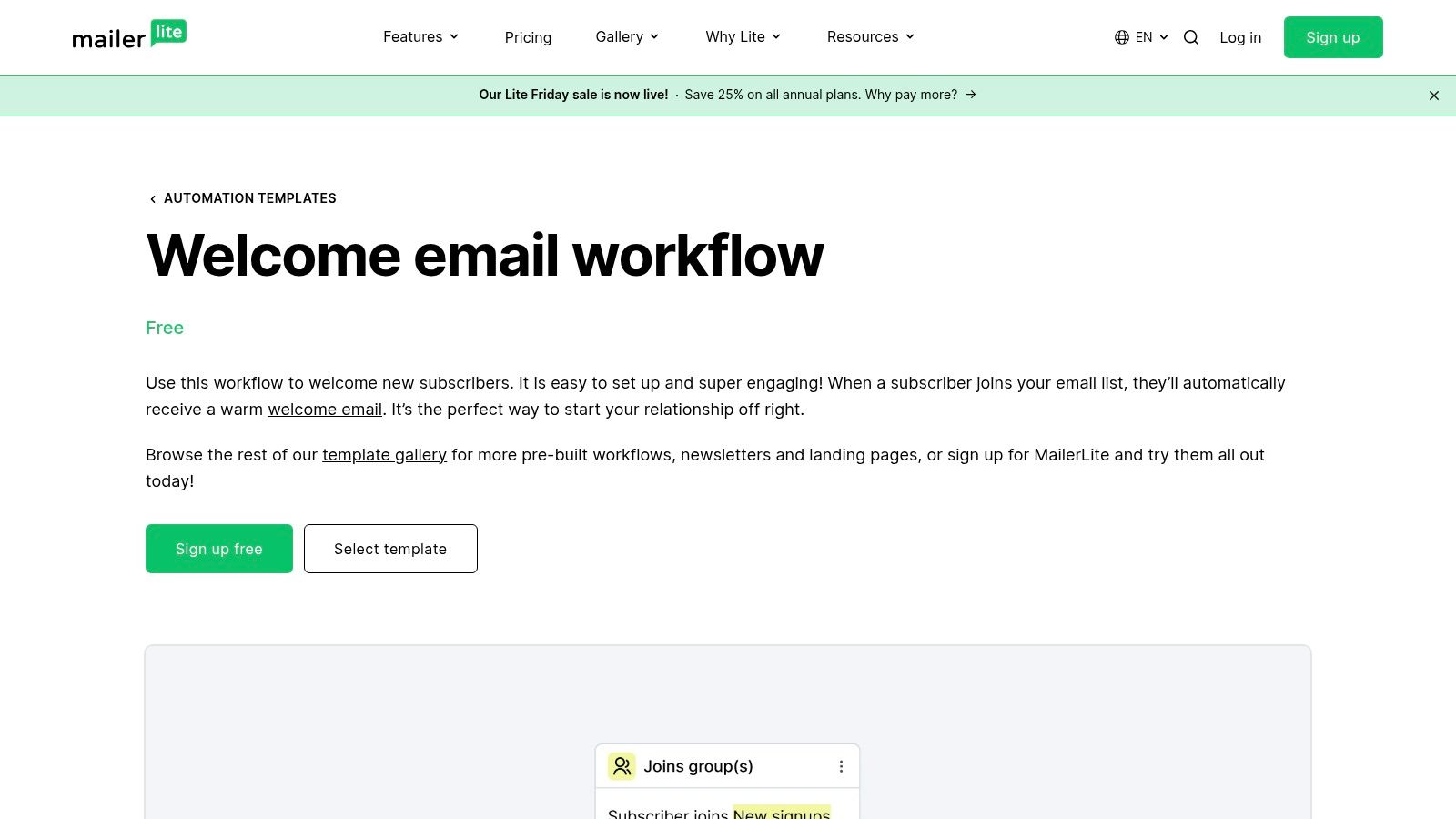
This platform excels at making automation approachable. Instead of complex theories, MailerLite gives you a one-click workflow that you can immediately tweak with your own triggers, delays, and content using their drag-and-drop editor. It’s perfect for operators who want to get a solid welcome series running quickly and focus on iteration later.
What Makes MailerLite's Templates Stand Out?
The major advantage is the integration within a user-friendly and generous free-tier ESP. You don’t just get the copy; you get the entire automation framework, ready to activate. This makes it one of the best free onboarding email templates for those who haven’t settled on a marketing platform yet. You can set up the welcome sequence, connect a signup form or landing page, and start onboarding new users the same day. For even more tailored copy, you can generate an entire sequence with AI insights from the SaaS Operations Onboarding Template Generator and paste it directly into these workflows.
Key takeaway: Use MailerLite when you need an all-in-one, beginner-friendly solution to build and launch your welcome automation fast, without any initial cost.
Limitations and Considerations
While excellent for foundational sequences, MailerLite’s free and lower-tier plans have limitations on advanced personalization and e-commerce-specific triggers compared to enterprise-level platforms. The most sophisticated automation features and integrations are reserved for paid plans, so scaling complex, behavior-driven campaigns might eventually require an upgrade.
- Pros: Generous free tier makes it truly free to start, very intuitive drag-and-drop automation builder, all-in-one platform with forms and landing pages.
- Cons: Advanced features and deeper personalization require paid plans, fewer native integrations than larger competitors.
Check out the MailerLite templates: Simple Welcome Email Workflow
6. ActiveCampaign
ActiveCampaign takes a different approach by offering importable automation "recipes." Their New Member Welcome & Onboarding Sequence is a powerful, ready-to-deploy workflow that comes with seven pre-written emails. This is less about static templates and more about giving you a functional, automated sequence you can plug directly into their platform and customize.
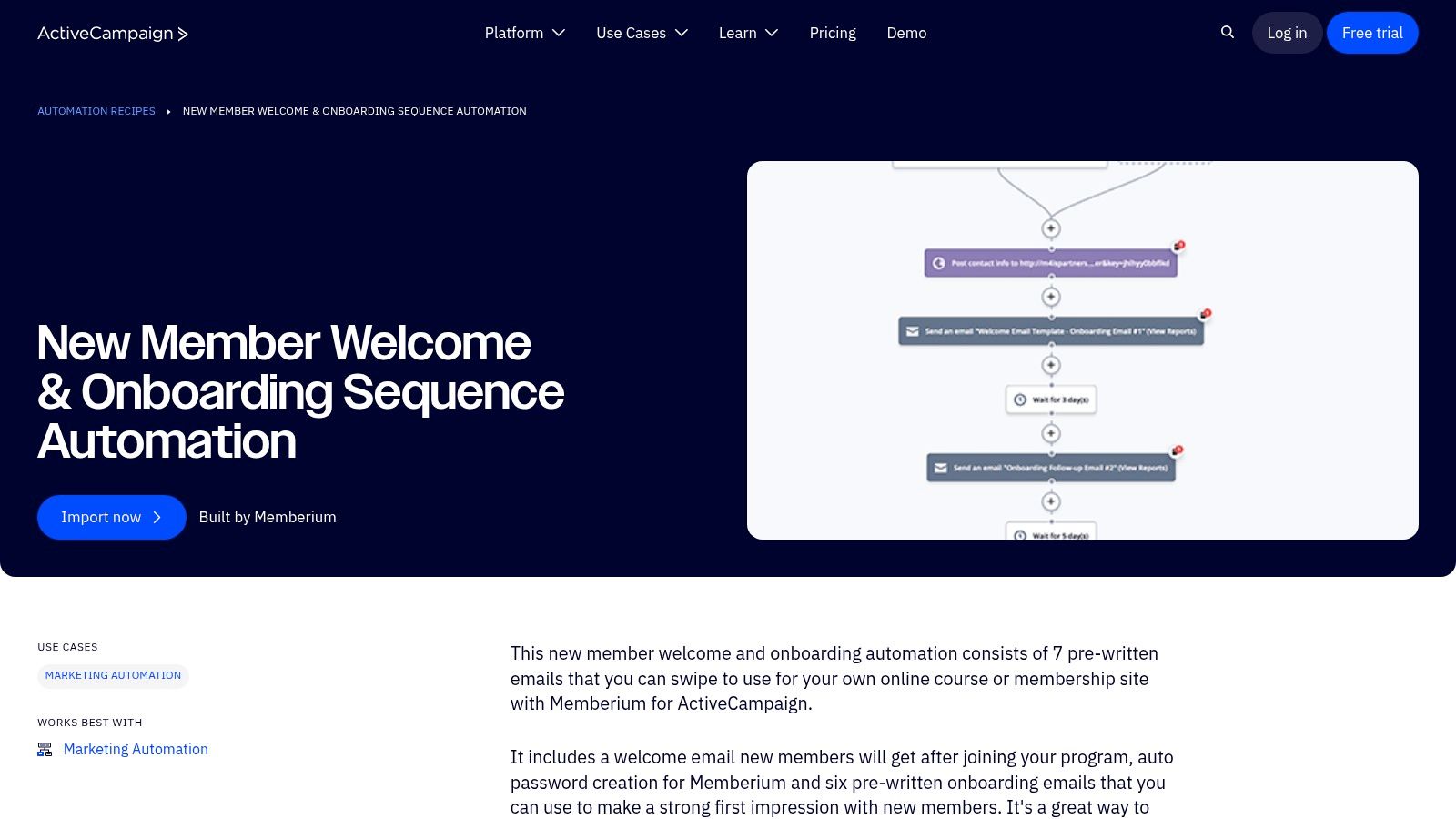
This freebie is built for speed. If you’re already an ActiveCampaign user or considering the platform, you can import this entire automation in a few clicks. It’s ideal for SaaS founders who want a proven sequence without spending days building it from scratch, allowing you to focus on tweaking the copy and logic to fit your product's activation milestones.
What Makes ActiveCampaign's Templates Stand Out?
The key differentiator is that ActiveCampaign bundles its free onboarding email templates with powerful automation logic. The recipe doesn’t just give you text; it gives you the entire machine, pre-built with the delays, goals, and conditional splits that make an onboarding sequence effective. It's a fantastic starting point for understanding how a comprehensive SaaS onboarding checklist translates into a live automation. To get the most strategic copy for your sequence, you can generate it first using the SaaS Operations onboarding email generator, which leverages AI insights, and then paste it into this recipe.
Key takeaway: Use ActiveCampaign's recipe when you want a complete, functioning automation sequence out-of-the-box, not just individual email copy.
Limitations and Considerations
While the recipe is free to import, you need an ActiveCampaign account to use it, and the platform’s full power is unlocked with a paid plan. For newcomers, the automation builder can have a bit of a learning curve compared to simpler email tools. Additionally, the real value comes from integrating it deeply with their CRM and tagging features, which requires a commitment to their ecosystem.
- Pros: Importable, pre-built automation, saves significant setup time, integrates with a powerful CRM.
- Cons: Requires an ActiveCampaign account (paid for full features), can have a learning curve, best value is tied to their ecosystem.
Check out the ActiveCampaign templates: New Member Welcome & Onboarding Sequence
7. Beefree (beefree.io)
Beefree is less of a template repository and more of a full-fledged email design studio. It offers a massive catalog of over 1,600 free, responsive HTML email templates, including a dedicated category for "Welcome" emails and HR/Client onboarding series. It’s the go-to platform for SaaS operators who want beautifully designed, plug-and-play templates without needing a graphic designer on standby.
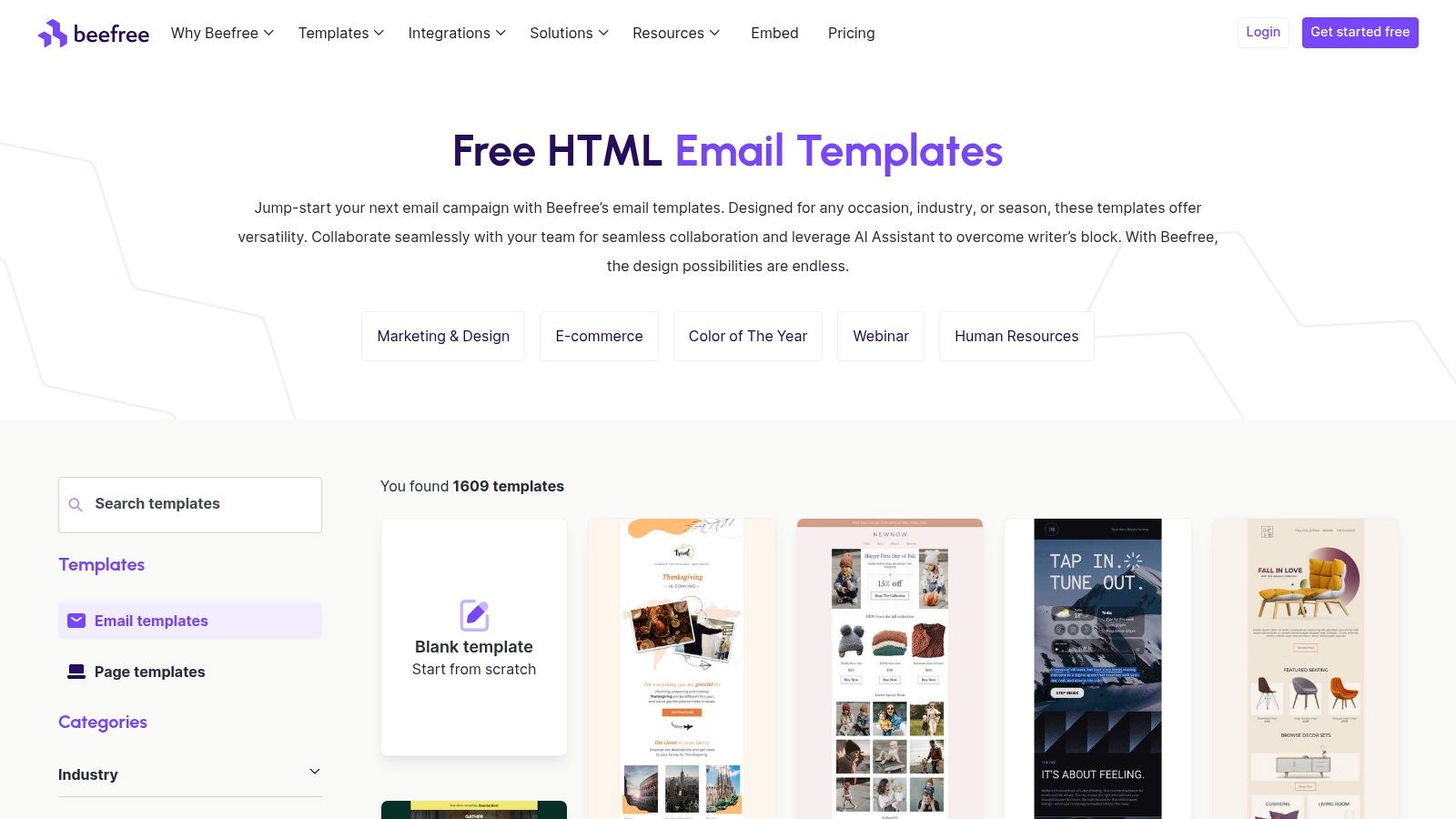
The platform is built around a powerful drag-and-drop editor that makes customization intuitive. Once you’ve tailored a design to your brand, you can export the clean HTML with one click and import it directly into popular ESPs like Mailchimp or Brevo. This drastically reduces the friction between finding a design and actually sending it.
What Makes Beefree's Templates Stand Out?
The key differentiator is the combination of high-quality design and technical reliability. All templates are rigorously tested for responsiveness across major email clients, saving you the headache of QA. This means your welcome emails look great on every device, from desktop Outlook to mobile Gmail. While they provide the visual framework, you still need the right copy. For that, pairing a Beefree template with the AI-driven insights from the onboarding email sequence generator can create a powerful, high-converting combination of art and science.
Key takeaway: Use Beefree when you need a visually polished, mobile-responsive template quickly, without wanting to write a single line of code.
Limitations and Considerations
While the free library is vast, some of the most advanced features and premium templates are locked behind a paid plan. The free version is perfect for individual use, but features geared toward team collaboration and advanced integrations require an upgrade. The focus is heavily on the email design, so you'll need to source your own onboarding copy and strategic sequence timing elsewhere.
- Pros: Huge library of free designer templates, intuitive drag-and-drop editor, easy export to most major ESPs.
- Cons: Best features and templates require a paid plan, collaboration tools are gated, more a design tool than a strategic playbook.
Check out the Beefree templates: Free Email Template Catalog
8. Stripo
Stripo is an email design platform that offers a massive library of pre-built templates, including a solid collection of free onboarding email templates. It stands out for teams that want professionally designed, responsive HTML emails without needing to code them from scratch. Its powerful visual editor and direct export options make it a versatile choice for SaaS operators who work with multiple email service providers (ESPs).
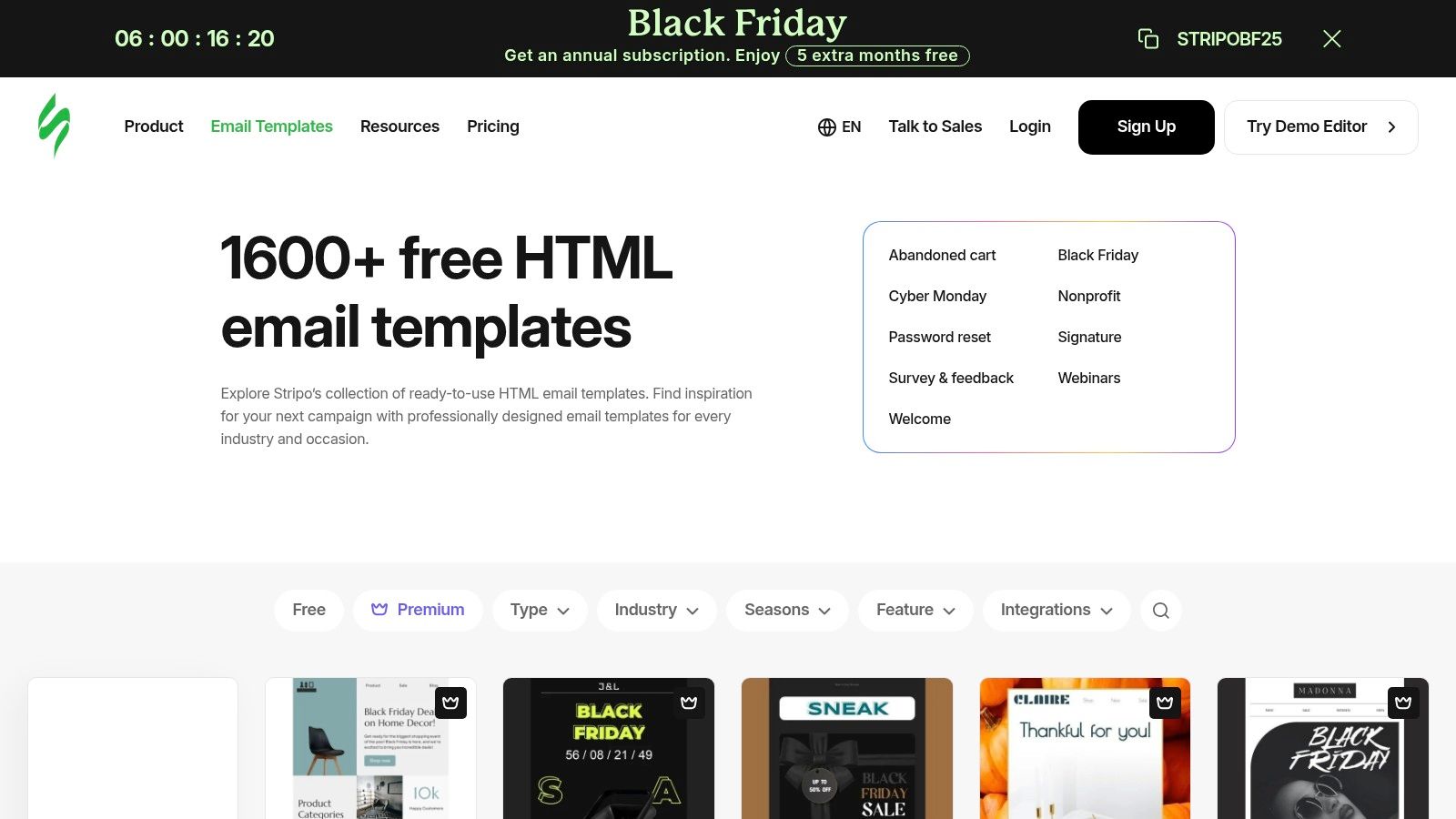
Unlike resources that only provide text, Stripo gives you a finished HTML product. This is a huge time-saver if you want to quickly implement a visually appealing onboarding sequence that looks great across all email clients. You can browse through various onboarding scenarios, from a classic welcome series to internal HR announcements like "Meet the New Hire".
What Makes Stripo's Templates Stand Out?
The biggest advantage is the clean, exportable HTML and the sheer number of integrations. Stripo supports over 80 ESPs, allowing you to push your customized template directly to platforms like Mailchimp, HubSpot, or SendGrid with a single click. This portability is a game-changer for teams that might migrate their email stack in the future or use different tools for transactional versus marketing emails. The platform’s modular design also lets you save and reuse custom blocks, speeding up the creation of a consistent, branded onboarding flow.
Key takeaway: Use Stripo when you need polished, responsive HTML templates that you can easily edit and export to virtually any email service provider.
Limitations and Considerations
While many templates are free, a good portion of the premium designs are locked behind a paid plan. The visual editor is incredibly powerful but can feel a bit overwhelming for first-time users and is best experienced on a desktop. It's less of a strategic guide and more of a design and implementation tool. If you need inspiration for the actual copy, consider pairing Stripo with an AI-powered tool like the onboarding email sequence generator to generate the content first, then build it out visually in Stripo.
- Pros: Clean, exportable HTML, huge number of ESP integrations, powerful visual editor.
- Cons: Many of the best templates are premium, editor has a learning curve, best on desktop.
Check out the Stripo templates: Stripo Template Library
9. Litmus
Litmus is a name synonymous with email testing and analytics, so when they offer a template, you know the code quality will be top-notch. Their free responsive Welcome Email template is a developer's dream, providing a technically sound foundation for your first and most crucial onboarding touchpoint. It’s built with modern email clients in mind, focusing heavily on accessibility and dark mode compatibility.
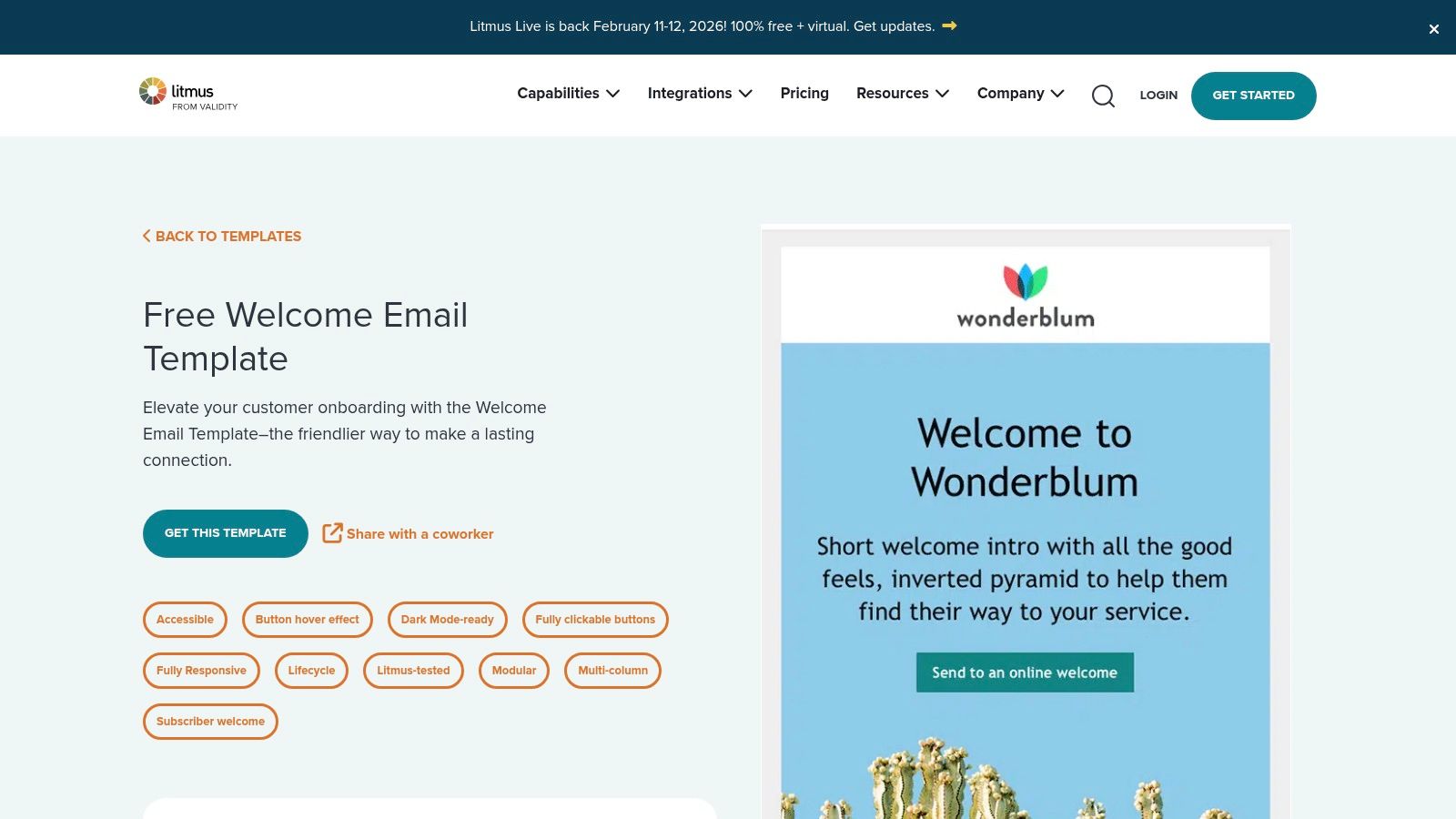
This resource is less about providing an entire sequence and more about perfecting a single, critical email. It opens directly in the Litmus Builder, allowing for easy customization before you export the pure HTML to your ESP. For SaaS operators who sweat the small stuff, knowing your welcome email renders perfectly everywhere is a huge win.
What Makes Litmus's Template Stand Out?
The primary differentiator is its QA-focused pedigree. This isn't just a generic template; it's a rigorously tested, standards-compliant, and modular piece of code. For teams without a dedicated email developer, this saves countless hours of troubleshooting rendering issues across different clients like Outlook and Gmail. The built-in support for dark mode and accessibility standards shows a level of technical foresight that many free templates lack, ensuring a positive experience for every new user.
Key takeaway: Use the Litmus template when you need a bulletproof, technically perfect foundation for your welcome email that works flawlessly across all devices and clients.
Limitations and Considerations
The main limitation is that it's just one welcome email, not a full onboarding sequence. If you're building a multi-email journey, you'll need to find other resources or create follow-ups yourself. Accessing the template requires a free Litmus Community sign-in, and while the builder is useful for this one-off task, the full suite of Litmus testing tools is behind a subscription paywall.
- Pros: High-quality, standards-compliant code; dark-mode ready and accessible; easy to customize and export.
- Cons: Only a single welcome email, not a full sequence; requires a free account to access.
Check out the Litmus template: Welcome Email
10. MailerSend
MailerSend, known for its transactional and marketing email services, offers a collection of free user onboarding HTML email templates that are practical and easy to implement. These templates are designed for immediate use, targeting crucial touchpoints like product signups and account-related notifications, which are the backbone of any initial user journey.
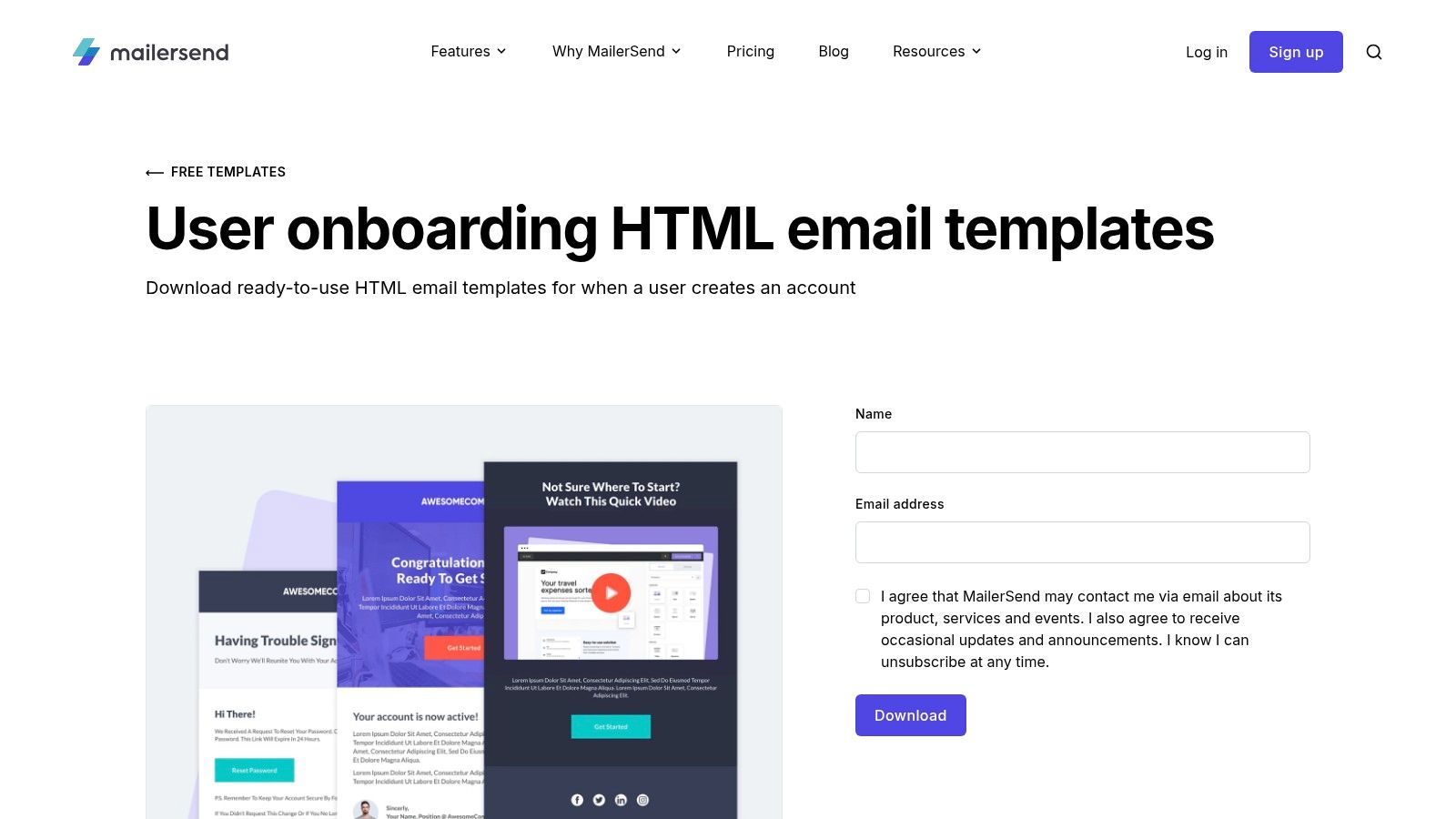
This resource is perfect for developers or marketers who are comfortable working directly with HTML and want a clean, deliverability-optimized foundation. Instead of a complex system, you get straightforward, downloadable files that can be uploaded to any Email Service Provider (ESP) that accepts HTML imports, offering maximum flexibility.
What Makes MailerSend's Templates Stand Out?
The primary advantage is the no-strings-attached, plug-and-play nature of the HTML files. While other platforms offer strategic guides, MailerSend gives you the actual code. This is incredibly useful for transactional onboarding events like welcome emails and password resets, where speed and reliability are key. The templates are responsive and built with deliverability in mind, ensuring your first critical messages land in the inbox. Integrating these templates is a core part of building a solid customer success playbook, where technical execution meets user experience.
Key takeaway: Use MailerSend when you need reliable, free onboarding email templates in HTML format that you can quickly deploy for essential transactional communications.
Limitations and Considerations
The main limitation is that these templates aren't managed in a visual, drag-and-drop editor. To customize the design or branding, you'll need to edit the HTML code directly or import it into an editor that allows for it. This makes it less ideal for those who aren't comfortable with code. The experience is centered on providing a functional asset rather than a comprehensive, strategy-driven kit.
- Pros: Truly free HTML downloads with no lock-in, optimized for deliverability, perfect for transactional onboarding events.
- Cons: Requires HTML knowledge for visual customization, less focused on strategic guidance.
Check out the MailerSend templates: User Onboarding Templates
11. Mailmodo
Mailmodo offers a free Onboarding Email template in both AMP and HTML formats that you can edit right inside their drag-and-drop builder. It’s perfect for teams that want feedback loops—like in-email polls or star ratings—to test framing and boost activation.
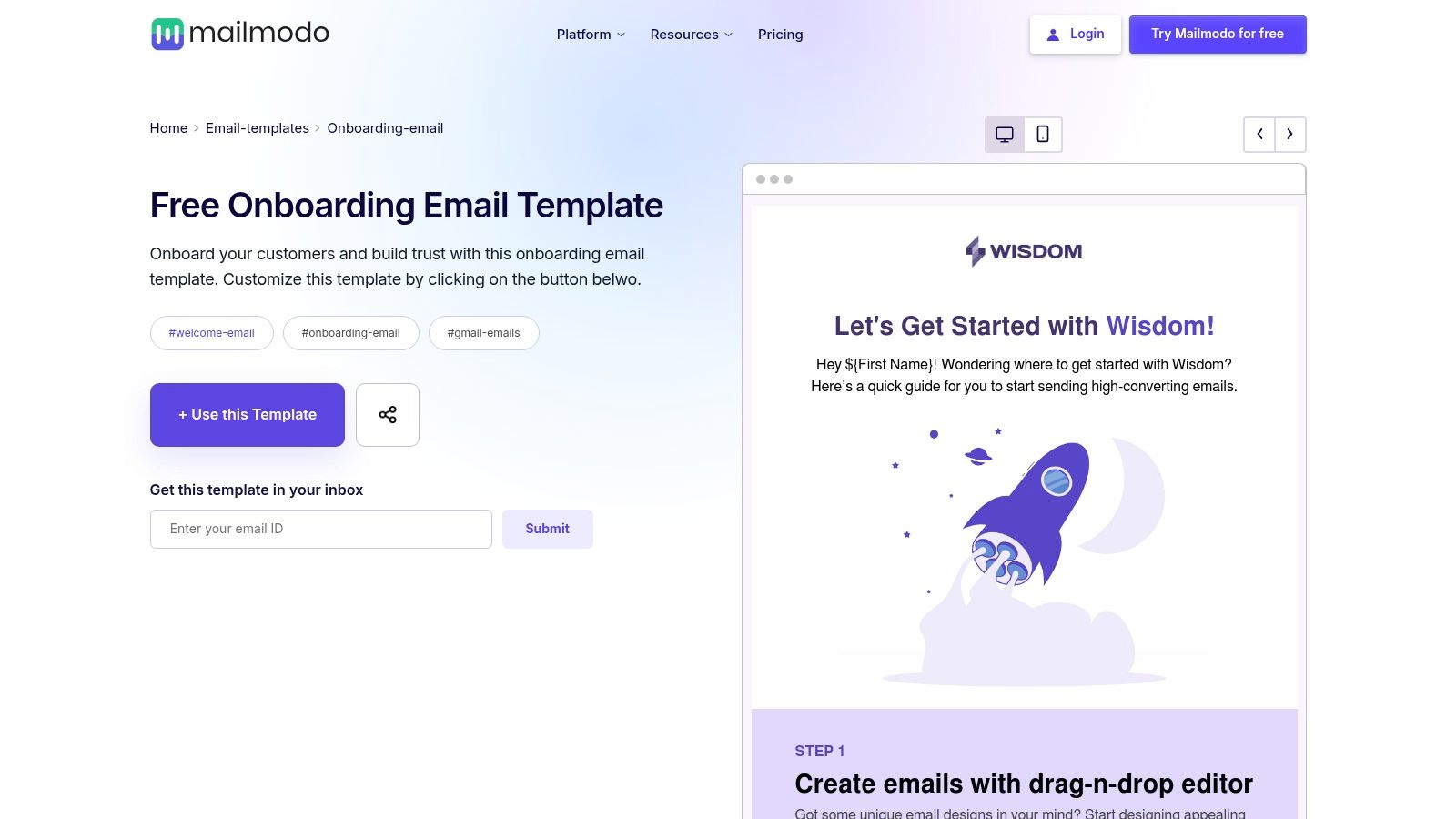
These templates aren’t static. You get:
- AMP interactivity for surveys, polls, star ratings
- Prebuilt content blocks in a visual editor
- Native integrations with Salesforce, HubSpot, and more
- The ability to input AI-driven sequence suggestions from the onboarding template generator at SaaS Operations
- Free access with signup, no credit card required
One SaaS growth team reported using Mailmodo’s poll widget in a welcome email and saw a 15% jump in feature discovery within the first week, demonstrating the power of in-email engagement.
What Makes Mailmodo's Templates Stand Out?
Mailmodo is one of the only free tools that brings interactive widgets into onboarding emails. This moves engagement from a click-to-open model into a click-to-complete model. Plus, you can layer in AI insights from the onboarding template generator at SaaS Operations to fine-tune timing and subject lines.
Key takeaway: Use Mailmodo when you want rich, in-email experiences that feed real-time data back into your onboarding playbook.
Limitations and Considerations
- Pros: Interactive elements accelerate product adoption, mobile-responsive, accessibility built in
- Cons: Best features live inside Mailmodo’s platform, AMP support varies across email clients
Check out the Mailmodo templates: https://www.mailmodo.com/email-templates/onboarding-email/
12. Designmodo Postcards
Designmodo Postcards is for the SaaS operator who refuses to compromise on design. While many template providers focus solely on copy, Postcards is a no-code email builder that puts designer-quality visuals front and center. Their collection includes free welcome and onboarding email templates that look polished right out of the box, ensuring your first impression is a stellar one.
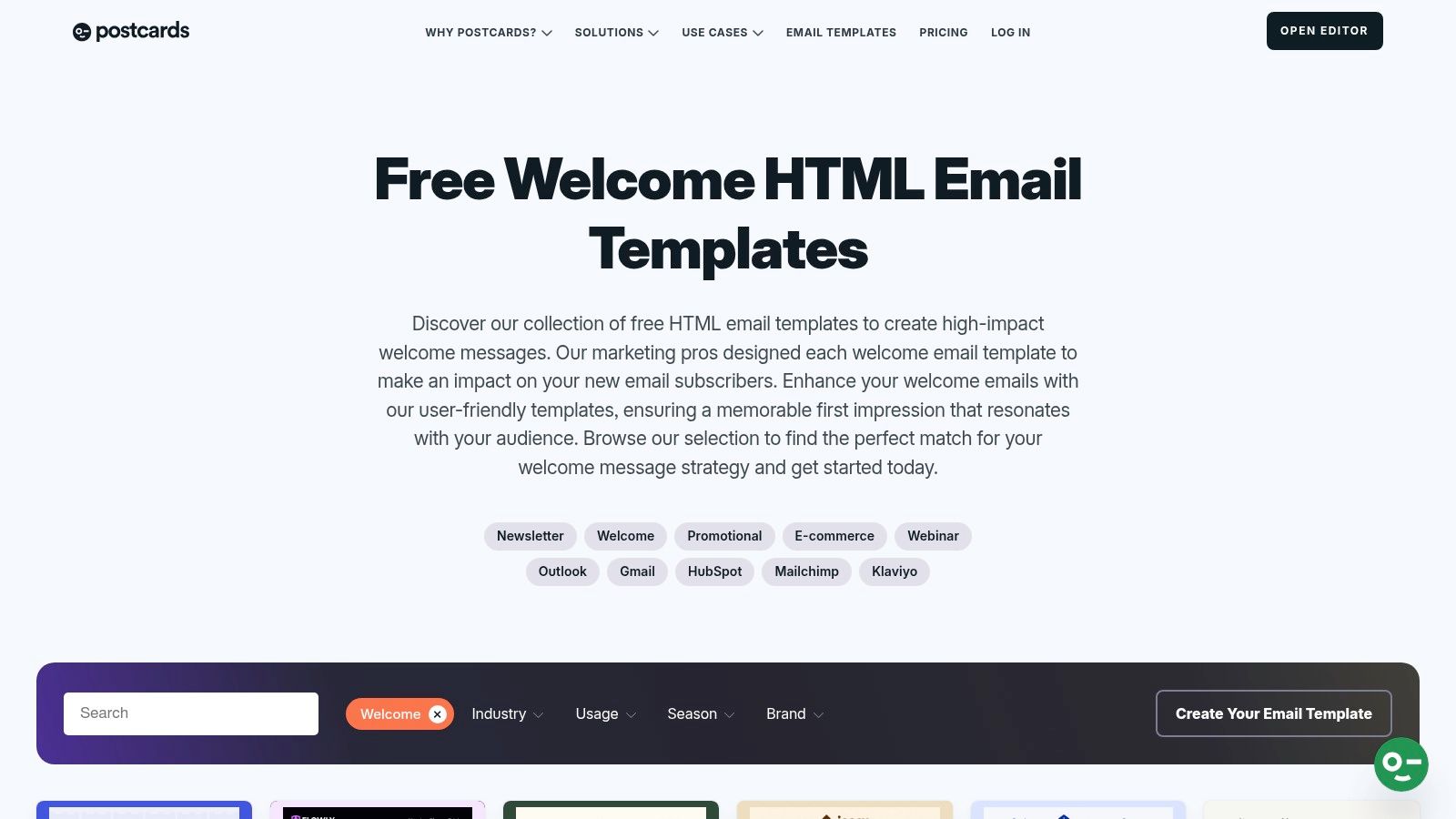
This platform is ideal if you want visually stunning emails without needing a designer or wrestling with HTML. The ability to drag-and-drop pre-designed modules lets you customize layouts quickly, making it a powerful tool for crafting a beautiful, on-brand onboarding sequence that stands out in a crowded inbox.
What Makes Designmodo's Templates Stand Out?
The major advantage is the fusion of high-end design with no-code accessibility. You can build emails using modular blocks, ensuring every send is mobile-responsive and professional. The one-click export feature to major ESPs like HubSpot and Mailchimp, or as plain HTML, offers incredible flexibility. This portability is a huge asset for SaaS teams who might migrate their marketing stack in the future.
Key takeaway: Use Designmodo when your brand's visual identity is paramount and you need polished, portable HTML emails without writing a single line of code.
Limitations and Considerations
While Designmodo offers a solid set of free templates, the full power of the platform, including the most advanced modules and collaboration features, is locked behind a paid plan. The free version is more than enough to build a great welcome email, but creating a comprehensive, multi-email sequence might push you toward their premium offerings.
- Pros: Produces beautiful, designer-quality emails; flexible export options (HTML, ESPs); no coding required.
- Cons: Many advanced templates and features require a paid subscription; the free offering is somewhat limited.
Check out the Designmodo templates: Welcome Email Templates
12-Tool Comparison: Free Onboarding Email Templates
| Item | Core features ✨ | Target audience 👥 | UX / Quality ★ | Price / Value 💰 | Why choose? 🏆 |
|---|---|---|---|---|---|
| Free Onboarding Email Sequence Generator (Tailored SaaS Templates) | AI-generated 6–8 email sequences, timing, goals, subject lines | 👥 Product, Growth, Customer teams | ★★★★☆ — plug‑and‑play copy | 💰 Free | 🏆 Battle‑tested operator playbooks for SaaS GTM motions |
| HubSpot (Customer Onboarding Templates) | Downloadable pack: handoff email, welcome packet, timelines | 👥 Service & SaaS onboarding managers | ★★★★☆ — business-ready assets | 💰 Free (email-gated) | 🏆 Backed by HubSpot lifecycle best practices |
| Mailchimp | One-click welcome automation, 130+ templates, design tools | 👥 Small teams & marketers | ★★★★☆ — easy design & deliverability | 💰 Freemium; advanced features paid | 🏆 Simple setup + wide ecosystem |
| Klaviyo | Out‑of‑box Welcome Series, flow variants, email+SMS support | 👥 Ecommerce & segmentation-heavy teams | ★★★★☆ — fast activation for ecom | 💰 Paid (best on-platform) | 🏆 Deep ecommerce personalization & testing |
| MailerLite | One-click welcome workflow, drag‑drop editor, templates gallery | 👥 Small teams / startups | ★★★★☆ — beginner-friendly UX | 💰 Generous free tier | 🏆 Very accessible automation for small teams |
| ActiveCampaign | Importable onboarding recipes, CRM + automations, live support | 👥 Teams needing automation + CRM | ★★★★☆ — powerful, steeper learning | 💰 Paid (onboarding support paid) | 🏆 Ready sequences + human migration/onboarding |
| Beefree (beefree.io) | 1,600+ responsive templates, drag‑drop, ESP export | 👥 Designers & ESP users | ★★★★☆ — large template variety | 💰 Free + premium options | 🏆 Massive template library with quick export |
| Stripo | Industry onboarding templates, 80+ ESP exports, HTML download | 👥 Teams needing clean HTML & portability | ★★★★☆ — strong HTML control | 💰 Freemium | 🏆 Modular design + multi‑ESP compatibility |
| Litmus | Dark‑mode ready, accessible responsive HTML, QA-tested | 👥 QA-focused teams & devs | ★★★★★ — standards & accessibility | 💰 Free template; platform paid | 🏆 High QA pedigree and code quality |
| MailerSend | Downloadable responsive onboarding HTML, transactional pairing | 👥 Product/dev teams for transactional flows | ★★★★☆ — practical, deliverable HTML | 💰 Free HTML downloads | 🏆 Truly free, transactional-optimized templates |
| Mailmodo | AMP & HTML templates, interactive widgets (polls, ratings) | 👥 Teams wanting interactivity in email | ★★★★☆ — engaging interactive UX | 💰 Freemium | 🏆 Interactive elements inside email to boost engagement |
| Designmodo Postcards | Designer-quality welcome templates, no-code builder, exports | 👥 Teams wanting polished HTML & designers | ★★★★☆ — polished visual output | 💰 Free + paid tiers | 🏆 Designer-grade templates + Figma integration |
Turn Your Templates into a High-Converting Onboarding Machine
We’ve covered everything from dedicated template builders like Beefree and Stripo to full-stack automation platforms like HubSpot and ActiveCampaign. We’ve explored a dozen powerful tools, each offering a unique set of free onboarding email templates designed to help you welcome, activate, and retain new users. But here's the honest truth that separates fast-growing SaaS companies from the rest: templates are a starting line, not a finish line.
The real magic isn’t in the template itself; it's in the adaptation. The most successful SaaS operators treat their onboarding sequence not as a static set of emails, but as a dynamic, evolving system. They know that a generic welcome email is a missed opportunity. Your goal is to take these foundational resources and infuse them with your brand's voice, your product's unique value, and a deep understanding of what your users need to experience that "aha!" moment.
Your Action Plan: From Template to Traction
Having a great template is just step one. Turning it into a revenue-generating asset requires a clear, data-driven process. Don't let analysis paralysis stop you. Your next step is to choose a starting point from this list and, most importantly, implement it.
Here’s your playbook for moving forward:
- Generate Your Baseline: We highly recommend starting with our AI-powered Onboarding Email Sequence Generator. It's built specifically for SaaS and uses AI insights from battle-tested frameworks we've used to scale real businesses. In minutes, you'll have a complete, tailored flow that serves as a powerful, customized baseline.
- Choose Your Platform: Once you have your sequence, select the tool from our list that best fits your current stage. Are you a startup needing something simple and free like MailerLite? Or are you ready for the advanced segmentation and automation of ActiveCampaign? Your tool should solve today's problems without creating tomorrow's migration headache.
- Adapt, Don't Just Adopt: Resist the urge to copy and paste. Use the templates as a launchpad. Customize the copy, swap out the images for product GIFs, and ensure every personalization token (
{{first_name}},{{company_name}}) is correctly mapped from your user data. To truly turn your templates into a high-converting onboarding machine, a deep dive into how to create an email template that converts is essential for mastering the nuances of design and copy. - Measure What Matters: Don't get lost in vanity metrics. Your open rates and click-through rates are important indicators, but your north star metric is product activation. Is your onboarding sequence actually getting users to complete key actions? Track this relentlessly. Set up goals in your analytics to measure the conversion rate from "Signed Up" to "Activated."
The Final Word: Onboarding is Your Greatest Growth Lever
Think of your onboarding sequence as your best salesperson, working 24/7 to guide new users to success. It’s your most scalable tool for demonstrating value, building trust, and ultimately, converting trial users into lifelong advocates. The journey from a simple set of free onboarding email templates to a fully optimized, high-converting machine is a process of continuous improvement.
So, get started. Tweak the copy. Adjust the timing. A/B test your subject lines and calls to action. A data-driven approach will transform a "good enough" onboarding experience into your company's most powerful and predictable growth engine. The resources are in your hands; now it's time to build.
At SaaS Operations, we live and breathe this stuff. We build the playbooks and tools that turn operational chaos into scalable growth. If you’re ready to move beyond templates and implement proven systems for every part of your SaaS business, check out the resources at SaaS Operations.